Comparison Platform -
Web Portal Design

Comparison Platform
- Web Portal Design

INTRODUCTION • INTRODUCTION • INTRODUCTION • INTRODUCTION • INTRODUCTION • INTRODUCTION • INTRODUCTION • INTRODUCTION

INTRODUCTION • INTRODUCTION • INTRODUCTION • INTRODUCTION • INTRODUCTION • INTRODUCTION • INTRODUCTION • INTRODUCTION

INTRODUCTION • INTRODUCTION • INTRODUCTION • INTRODUCTION • INTRODUCTION • INTRODUCTION • INTRODUCTION • INTRODUCTION

Overview

Company

Moonshot Marketing

Moonshot Marketing

Role

Product Designer

Product Designer

Year

December 2023

December 2023

About Project

The company utilizes a custom CMS to manage multiple consumer comparison websites across three verticals: Finance, Gaming, Lifestyle & Tech. These platforms provide detailed insights, reviews, and promotional offers for partners' products and services. My task was to create a homepage for a web portal in Lifestyle & Tech vertical.

The company utilizes a custom CMS to manage multiple consumer comparison websites across three verticals: Finance, Gaming, Lifestyle & Tech. These platforms provide detailed insights, reviews, and promotional offers for partners' products and services. My task was to create a homepage for a web portal in Lifestyle & Tech vertical.

Project Goal

The goal was to design a compelling and engaging web portal that transparently communicates the company's values, builds trust and credibility, and promotes partners' brands, while minimizing the creation of new sections and strategically leveraging existing ones within the website builder system.

The goal was to design a compelling and engaging web portal that transparently communicates the company's values, builds trust and credibility, and promotes partners' brands, while minimizing the creation of new sections and strategically leveraging existing ones within the website builder system.

Challenges

Building the portal within the technical constraints of the website builder system and the guidelines of the existing Design System.

Building the portal within the technical constraints of the website builder system and the guidelines of the existing Design System.

Existing sections are in use in live projects and may feature varying styles.

Existing sections are in use in live projects and may feature varying styles.

Considering the flexibility for PPC managers to rearrange or hide sections post-development.

Solution

To employ sequential storytelling showcasing the company's services, emphasize its reliability and method transparency, promote partners' brands, and offer users additional information for making informed decisions.

To employ sequential storytelling showcasing the company's services, emphasize its reliability and method transparency, promote partners' brands, and offer users additional information for making informed decisions.

Workflow

1.

1.

2.

2.

4.

4.

3.

3.

User persona

Competitors analysis

Page structure

Integrating existing sections

Designing missing sections

Page wireframe

Modifying sections

Finalizing UI

Page design

Creating alternative UI style

A/B test

Final design

Workflow

User persona

Competitors analysis

1

1

Page structure

Integrating existing sections

Designing missing sections

2

Page wireframe

Modifying sections

Finalizing UI

3

Page design

Creating alternative UI style

A/B test

4

Final design

Framework

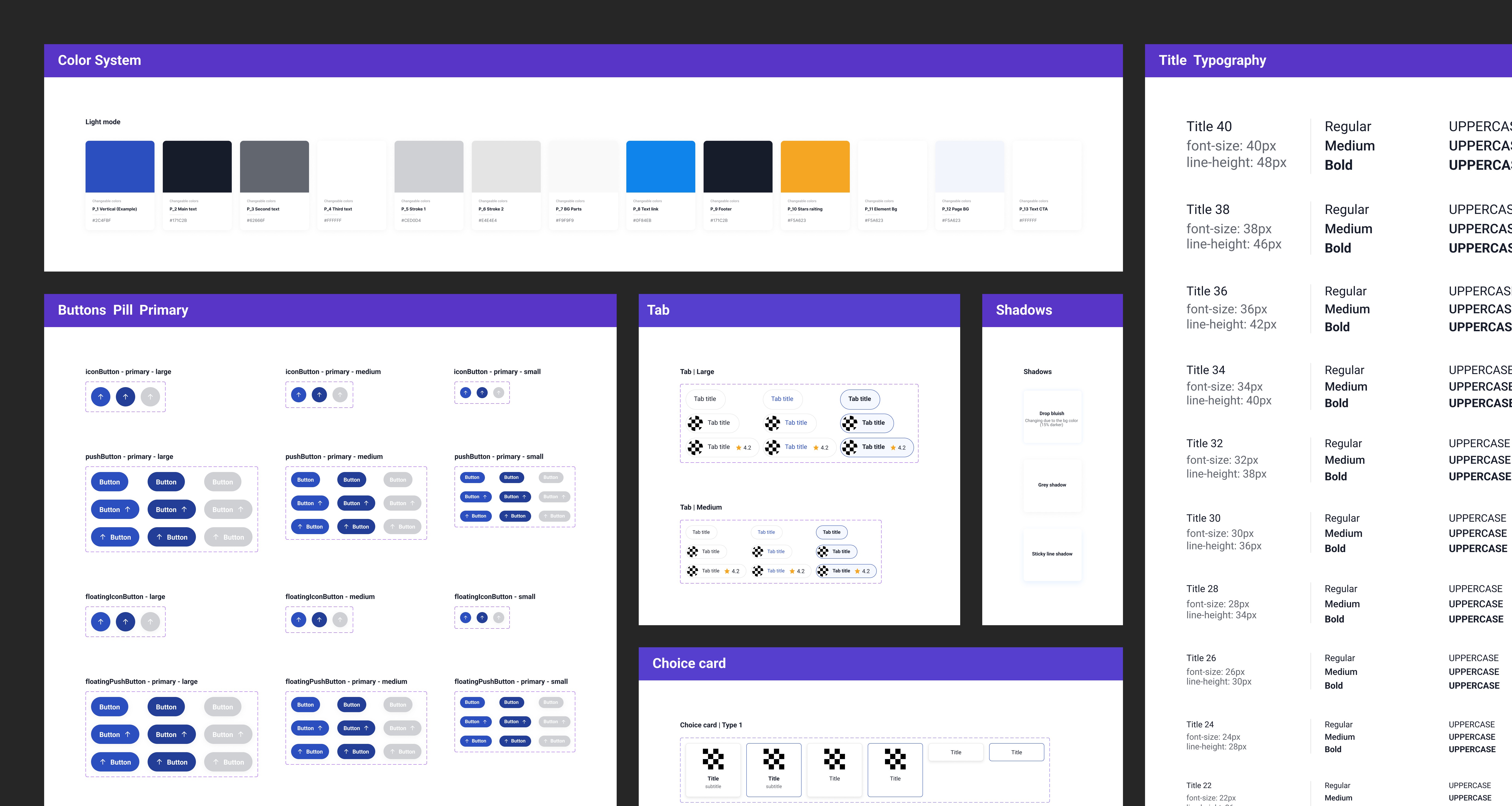
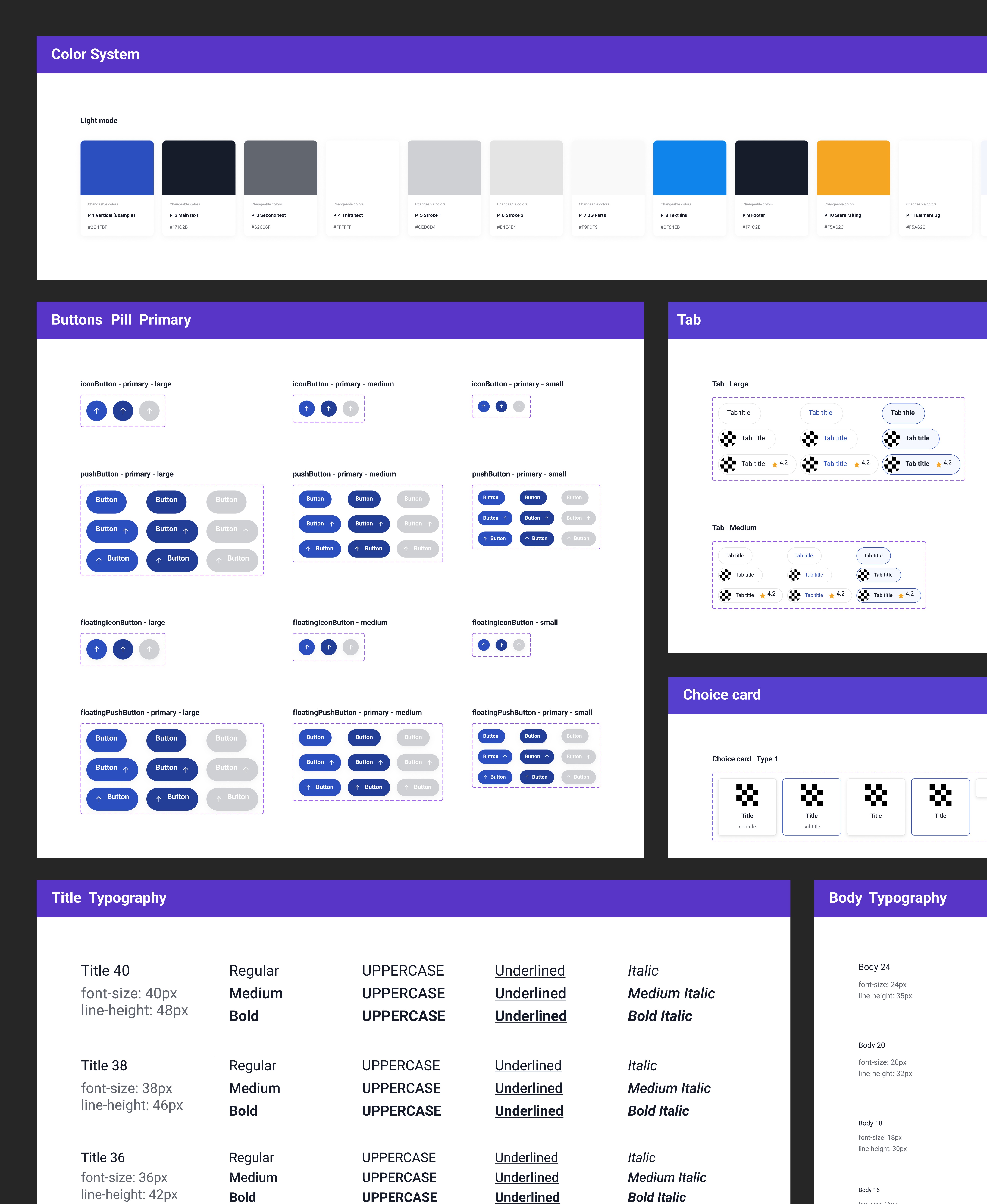
The portal must be built within the company's website builder system, which has numerous technical limitations, utilizing the existing sections on the platform. New sections must be designed according to the Design System guidelines.

The portal must be built within the company's website builder system, which has numerous technical limitations, utilizing the existing sections on the platform. New sections must be designed according to the Design System guidelines.

Platform
Limitations
  • Layout constraints

  • Color attachment logic

  • Interactions

  • Layout constraints

  • Color attachment logic

  • Interactions

Existing Section
Catalogue

Developed sections that are available in the website builder system

Existing Section
Catalogue

Developed sections that are available in the website builder system

Existing Design
System
  • Typography

  • Styles

  • Existing components

Existing Design
System
  • Typography

  • Styles

  • Existing components

DESIGN PROCESS

1.1 STAGE

User Persona

To implement a user-centric approach in my design decisions, I began the research by delving into the behavioral characteristics of our users and identifying potential problems that could impact their experience.

John Miller, 38

New York, USA

Teacher

John Miller, 38

New York, USA

Teacher

Behavior

Thoroughly researching and comparing products and services before making decisions.

Looking for trustworthy recommendations and validations from others' experiences.

Seeking to save money and appreciating discounts and special offers.

Pain Points

Difficult to find the best deals among multiple offers.

Comparing multiple products and services is time-consuming.

Concerns about brands' reliability and trustworthiness.

Behavior

Thoroughly researching and comparing products and services before making decisions.

Looking for trustworthy recommendations and validations from others' experiences.

Seeking to save money and appreciating discounts and special offers.

Pain Points

Difficult to find the best deals among multiple offers.

Comparing multiple products and services is time-consuming.

Concerns about brands' reliability and trustworthiness.

1.2 STAGE

Competitors Analysis

During the competitor analysis, I identified unique sections present in some competitors and common sections found in the majority. From these, I selected the most relevant and necessary ones for our target audience.

During the competitor analysis, I identified unique sections present in some competitors and common sections found in the majority. From these, I selected the most relevant and necessary ones for our target audience.

1.3 STAGE

Page Structure

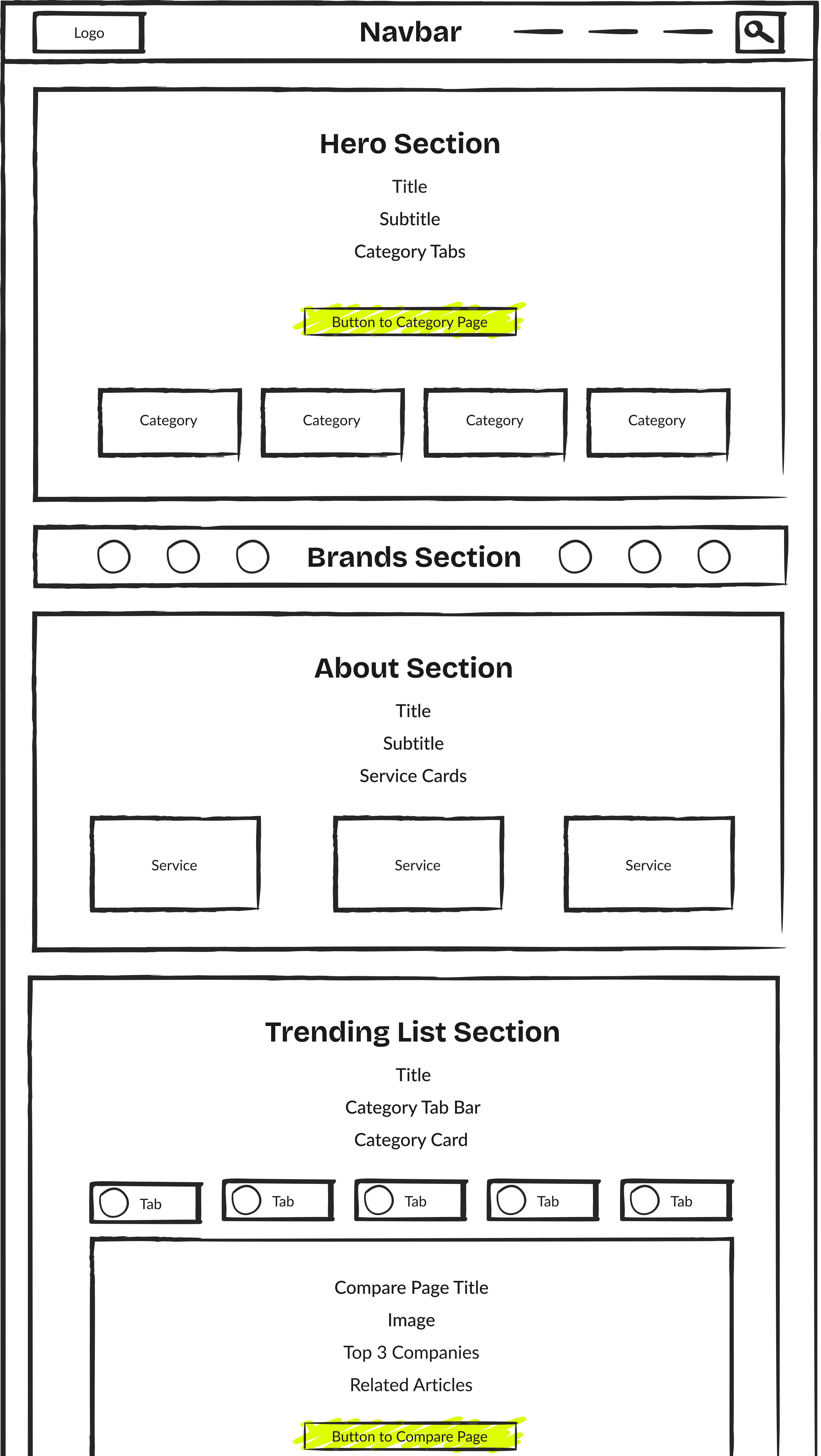
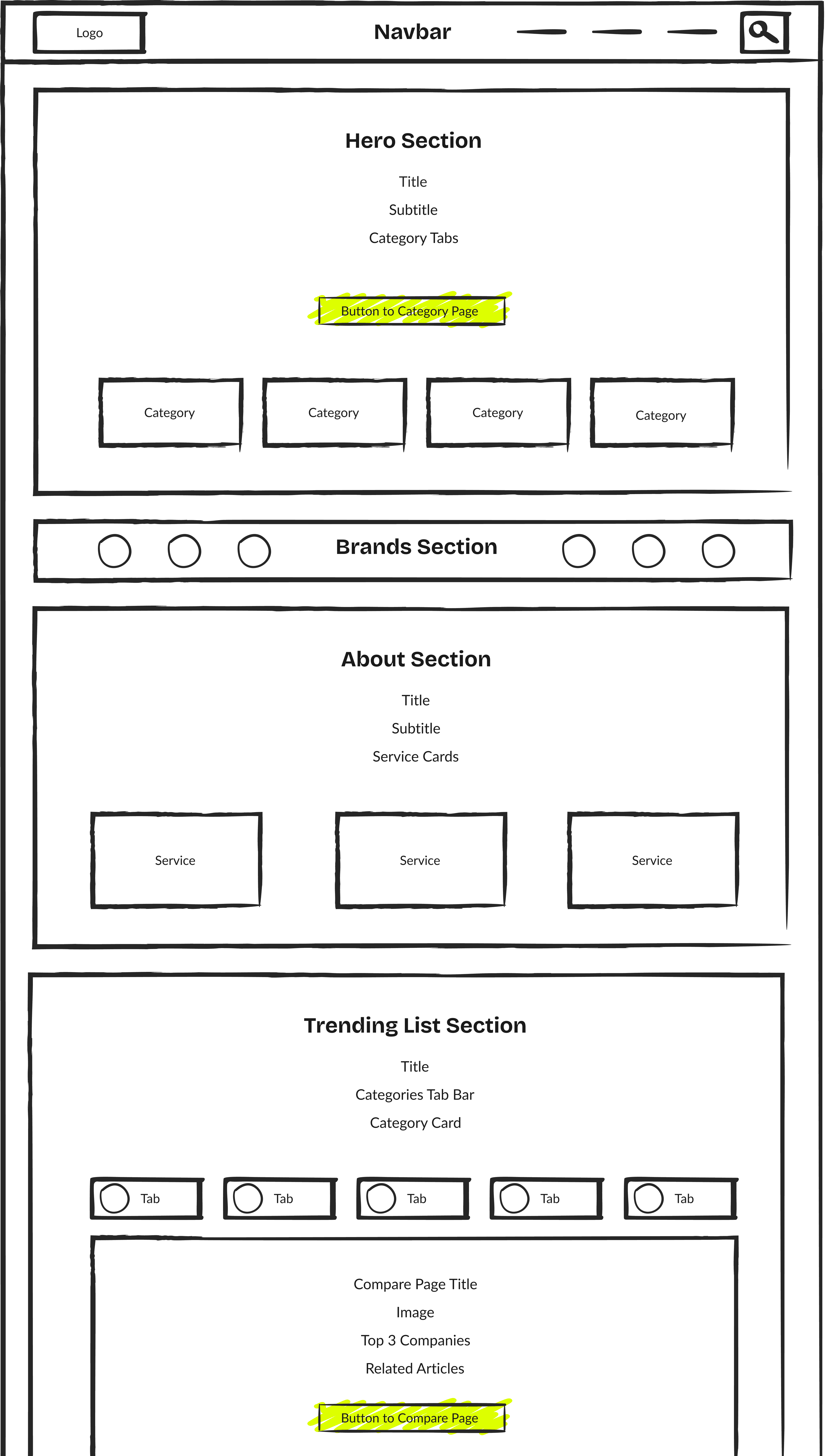
Taking into account users' needs, business goals, and competitors analysis, I created the page structure. I identified sections, determined their hierarchy level, and specified the information to be included in each section.
2 STAGE

Page Wireframe

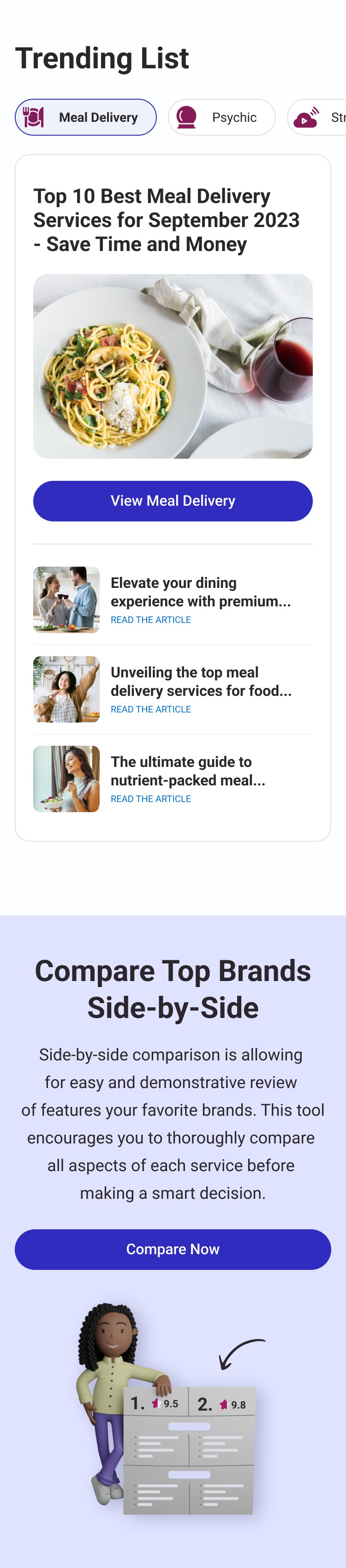
I researched existing sections within our website builder system, integrated matching ones, designed missing sections using the Design System, and assembled the page wireframe with the content examples. At this stage, I introduced six new sections.


Old Navbar

Section

Old Navbar

Section

Old Navbar

Section

New

Hero Section

New

Hero Section

New

Hero Section

including Category Tabs from the Design System

including Category Tabs from the Design System

New Brand

Section

New Brand

Section

New Brand

Section

Old About

Section

Old About

Section

Old About

Section

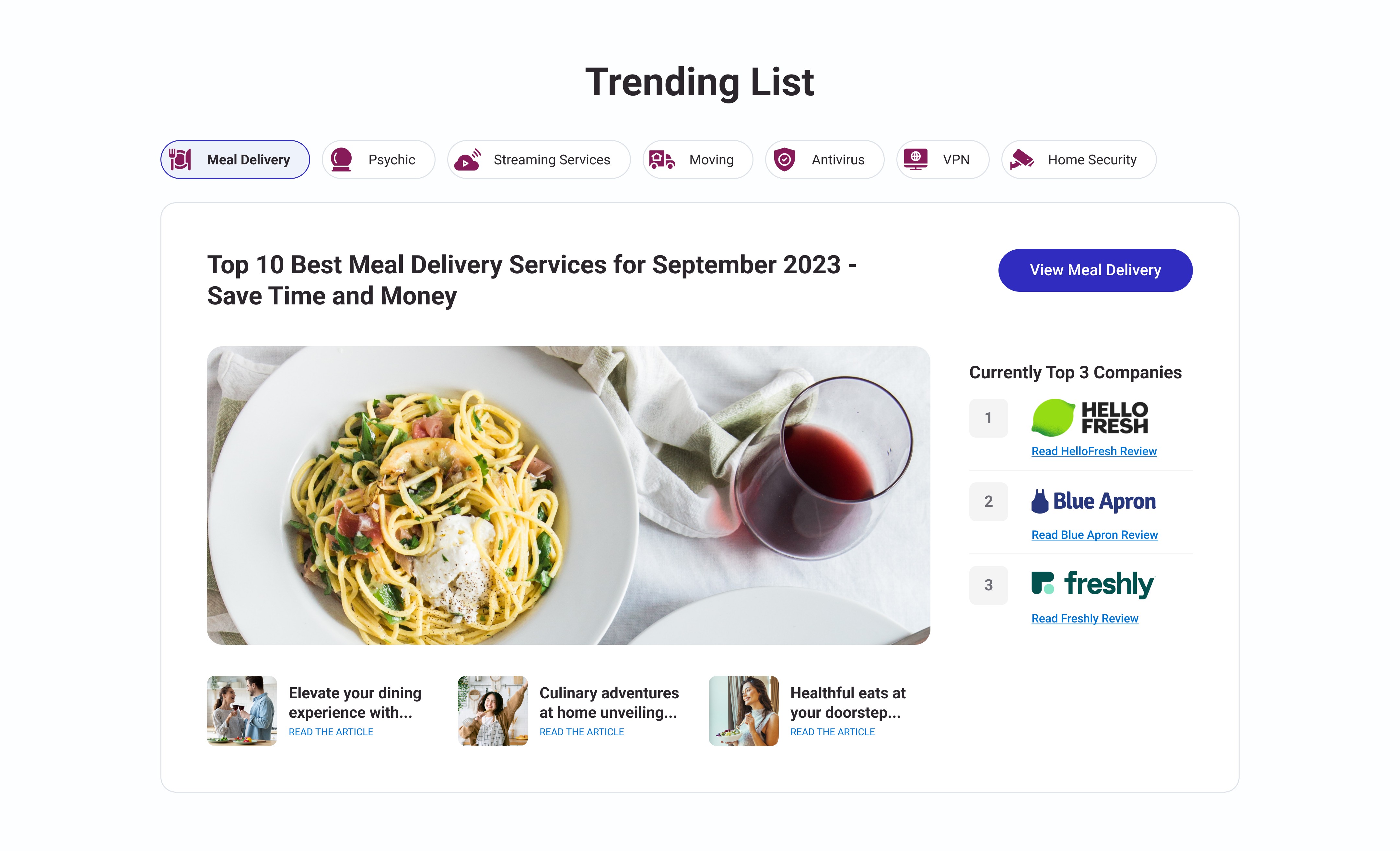
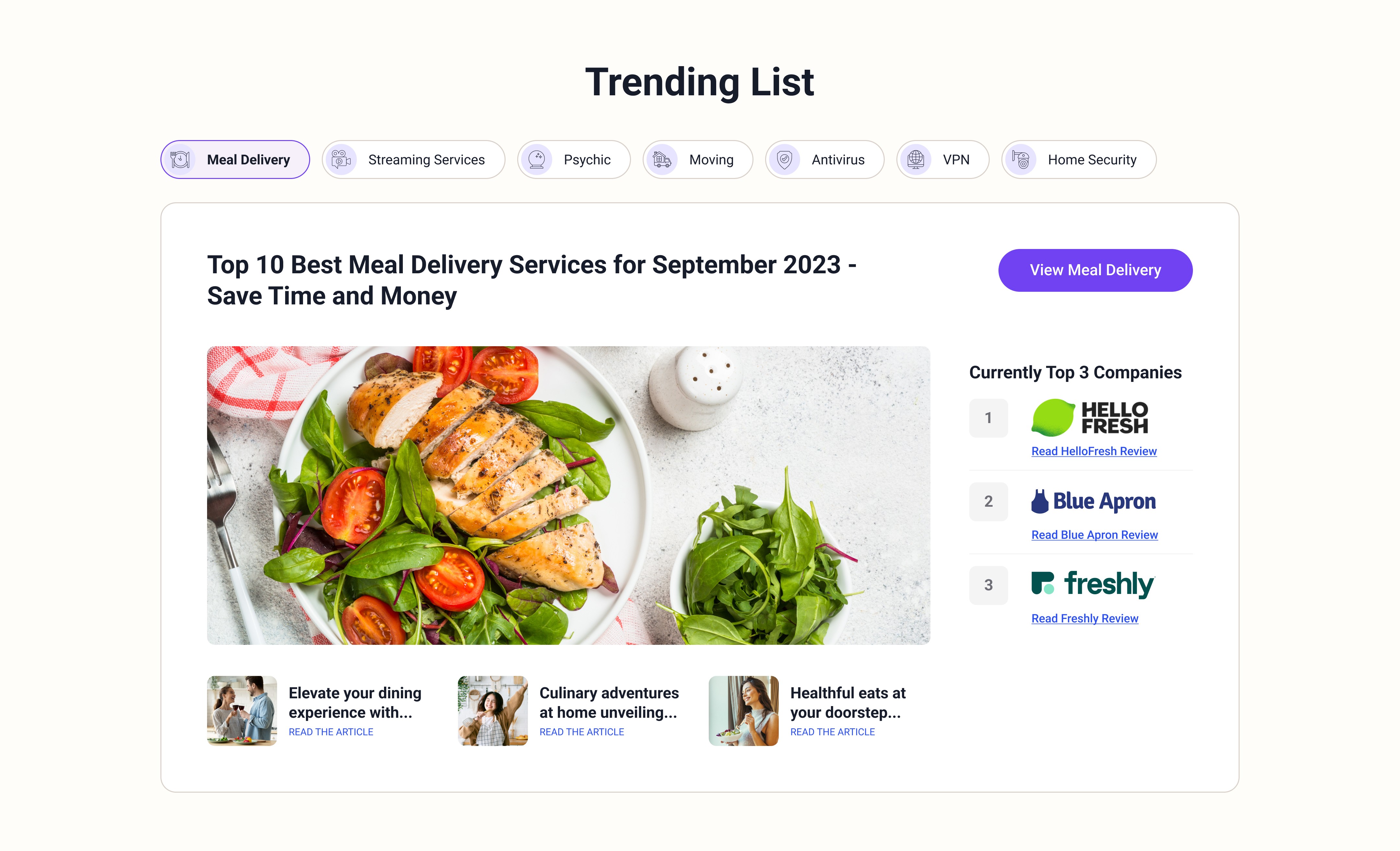
New Trending List

Section

New Trending List

Section

New Trending List

Section

including Nav Tabs, Side Bar Reviews and Article Cards from the Design System

including Nav Tabs, Side Bar Reviews and Article Cards from the Design System

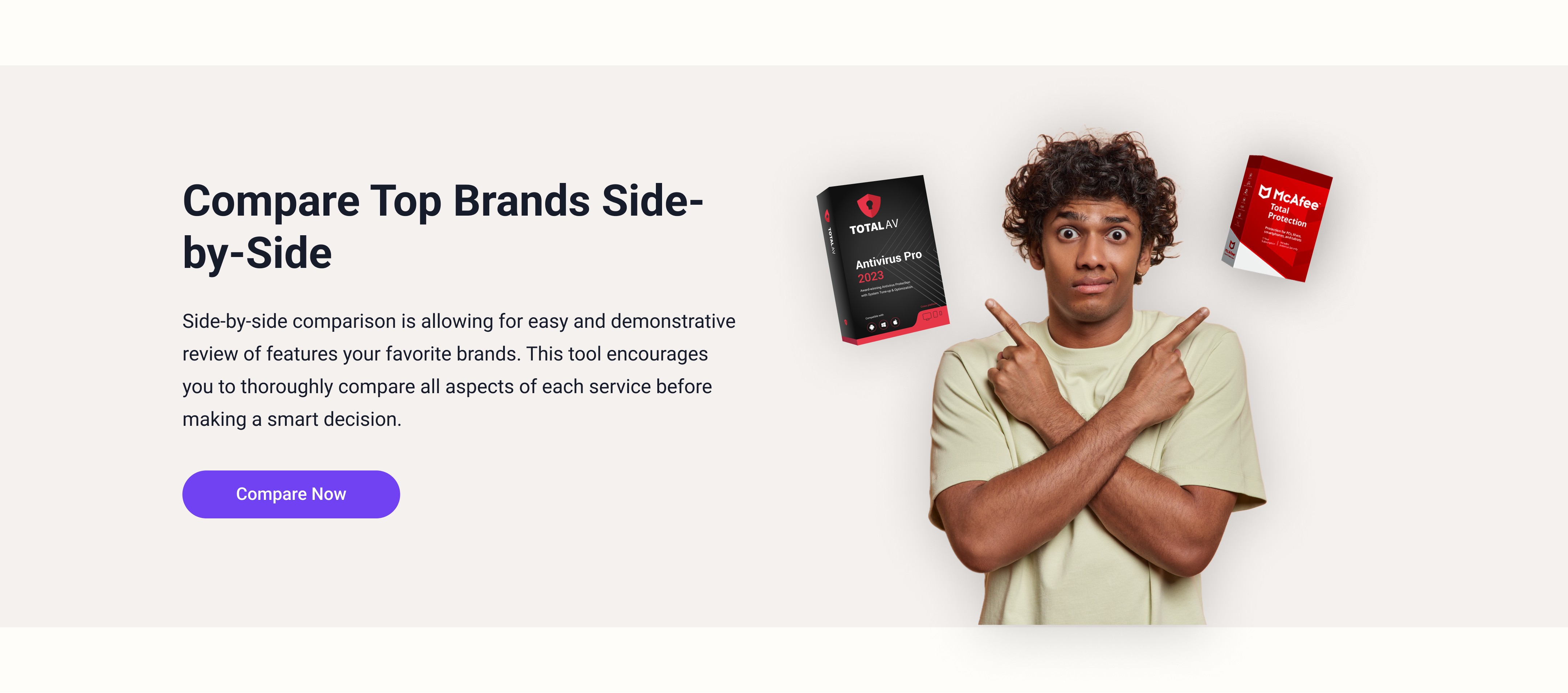
New Side by Side Comparison Section

New Side by Side Comparison Section

New Side by Side Comparison Section

Old Promo

Section

Old Promo

Section

Old Promo

Section

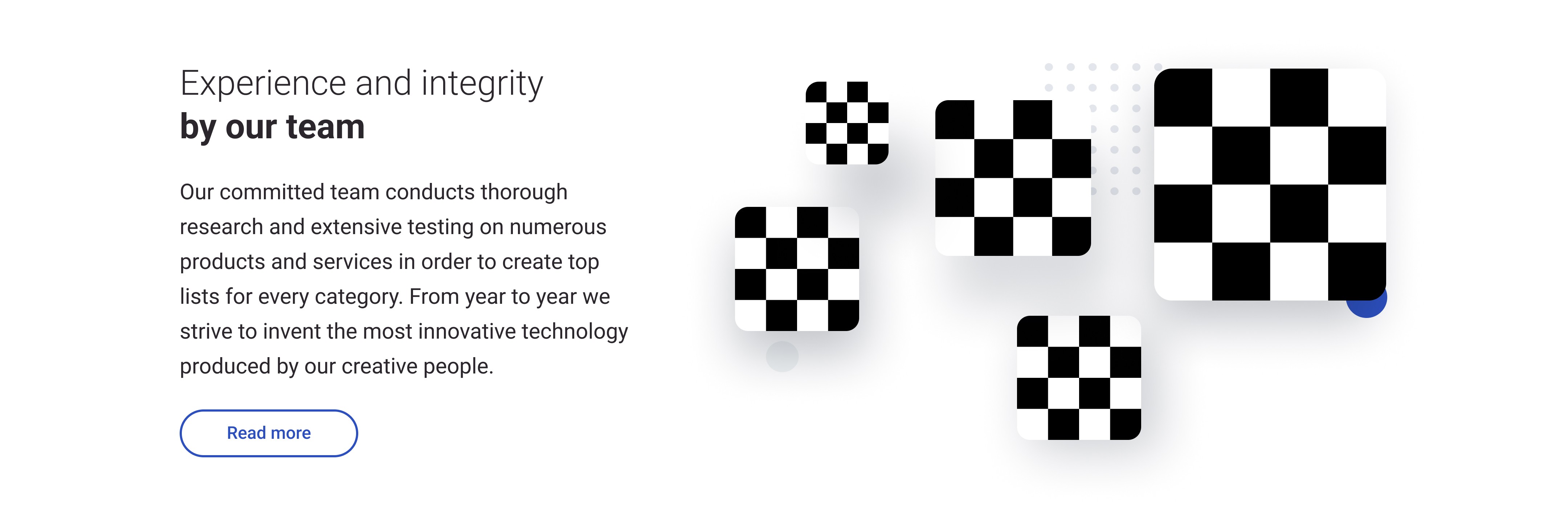
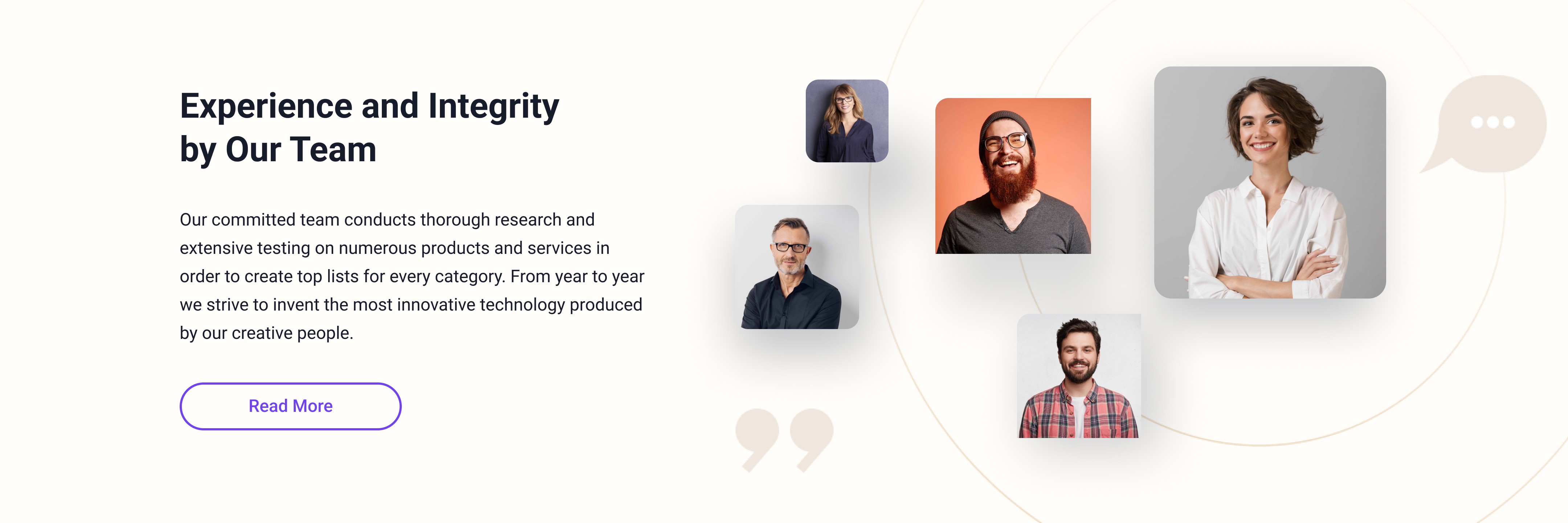
Old Our Team

Section

Old Our Team

Section

Old Our Team

Section

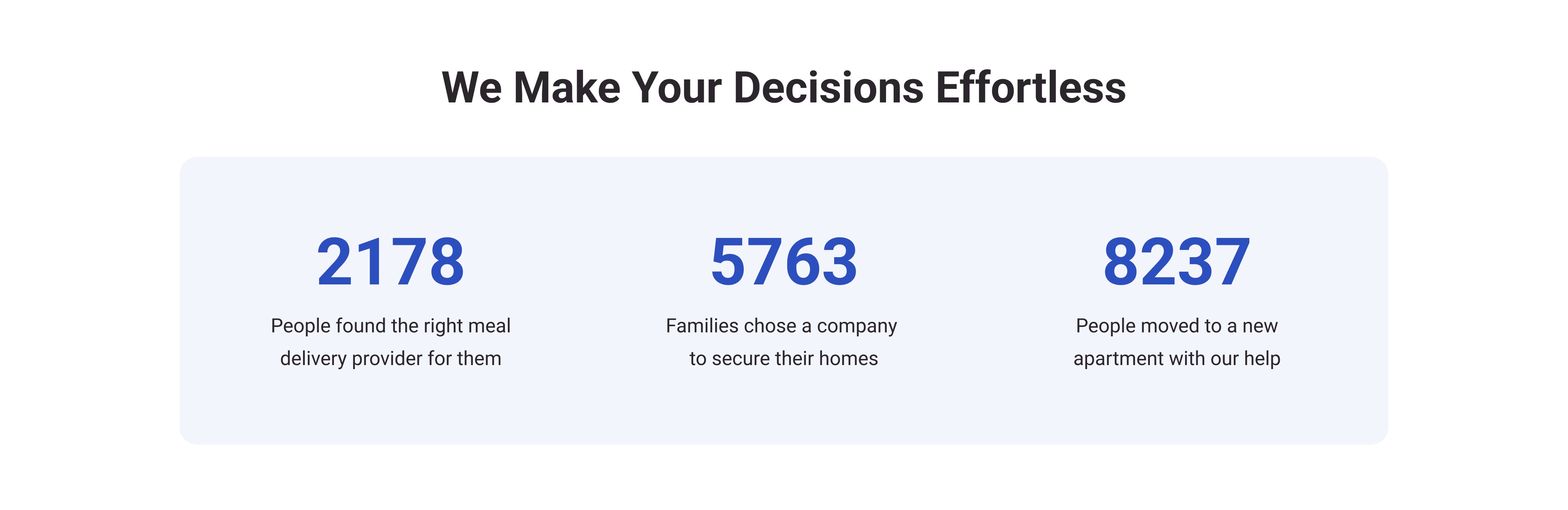
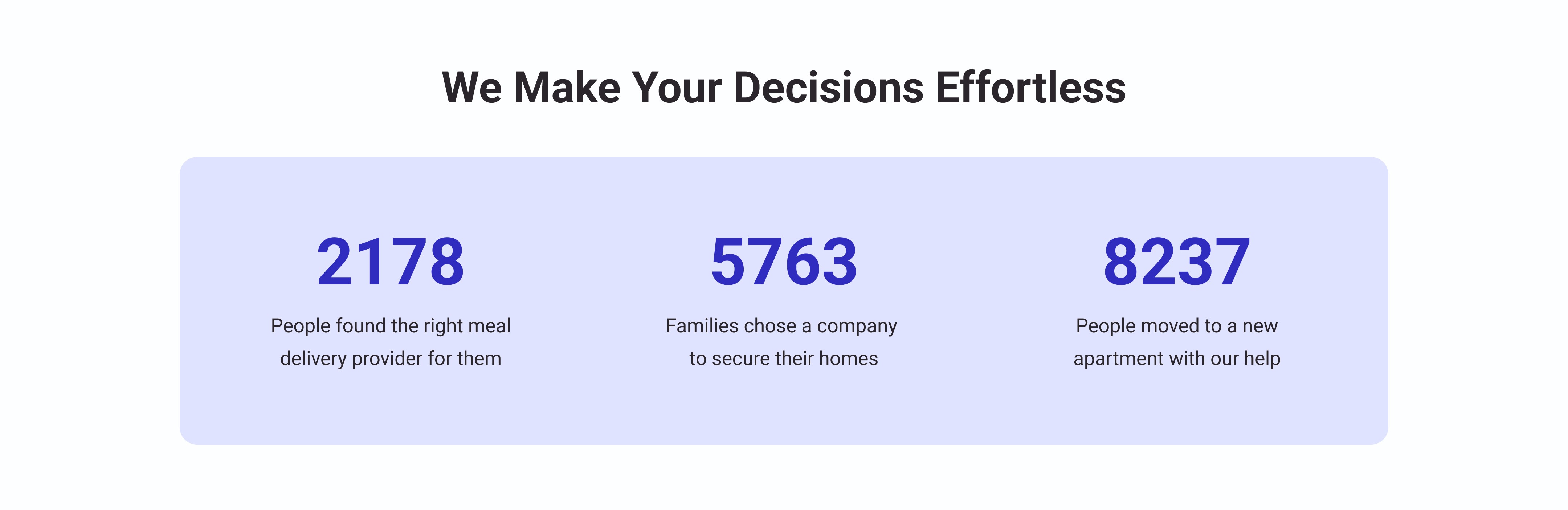
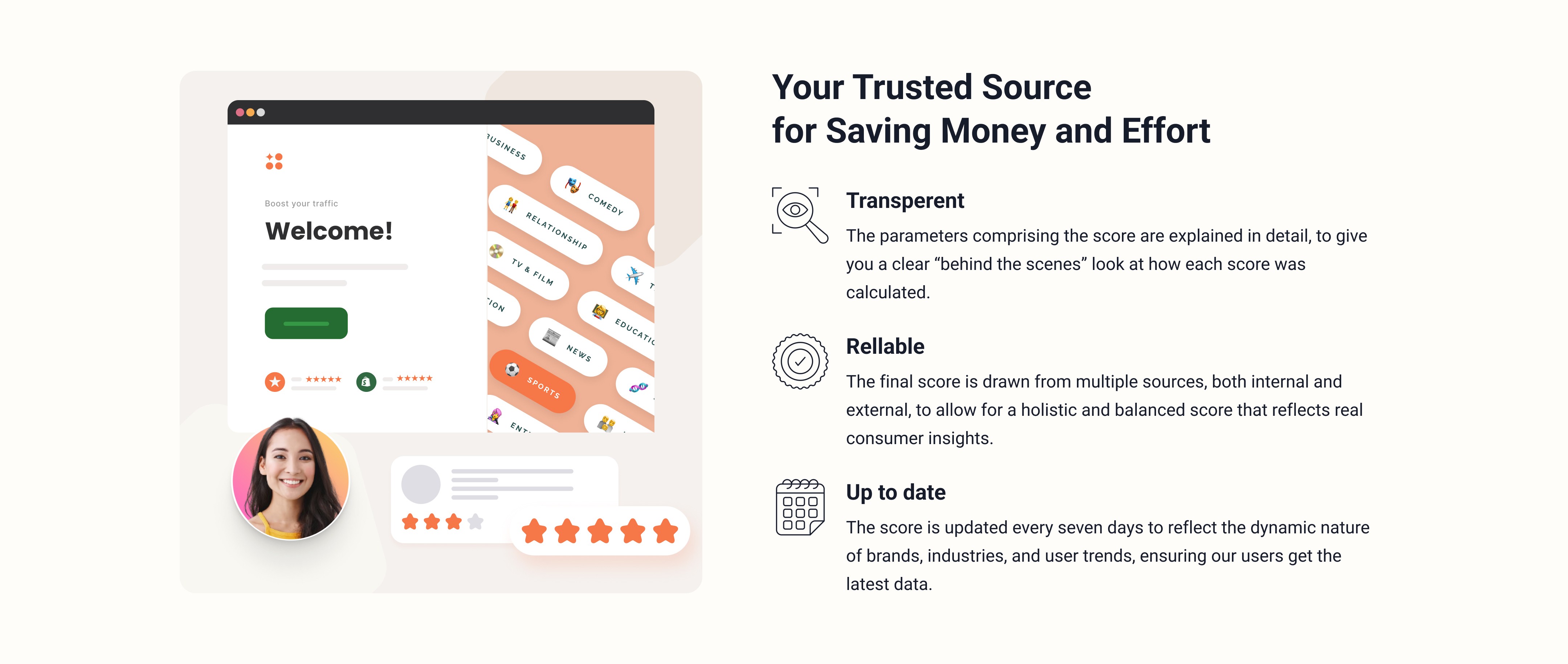
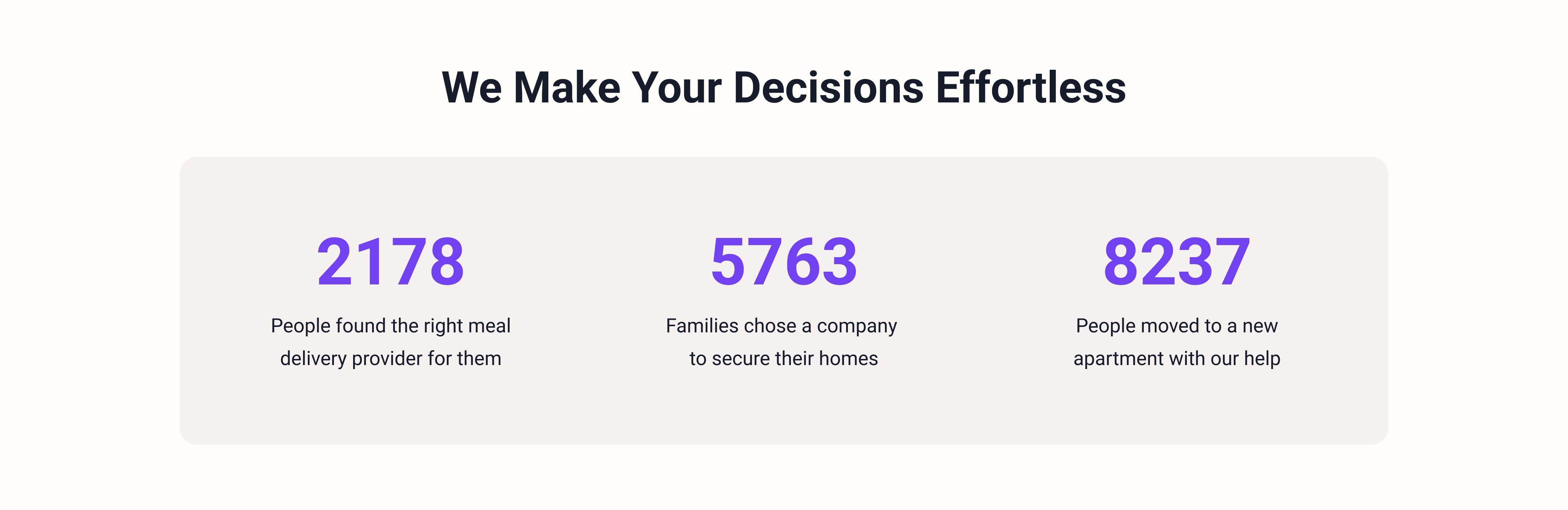
New Metrics Section

New Metrics Section

New Metrics Section

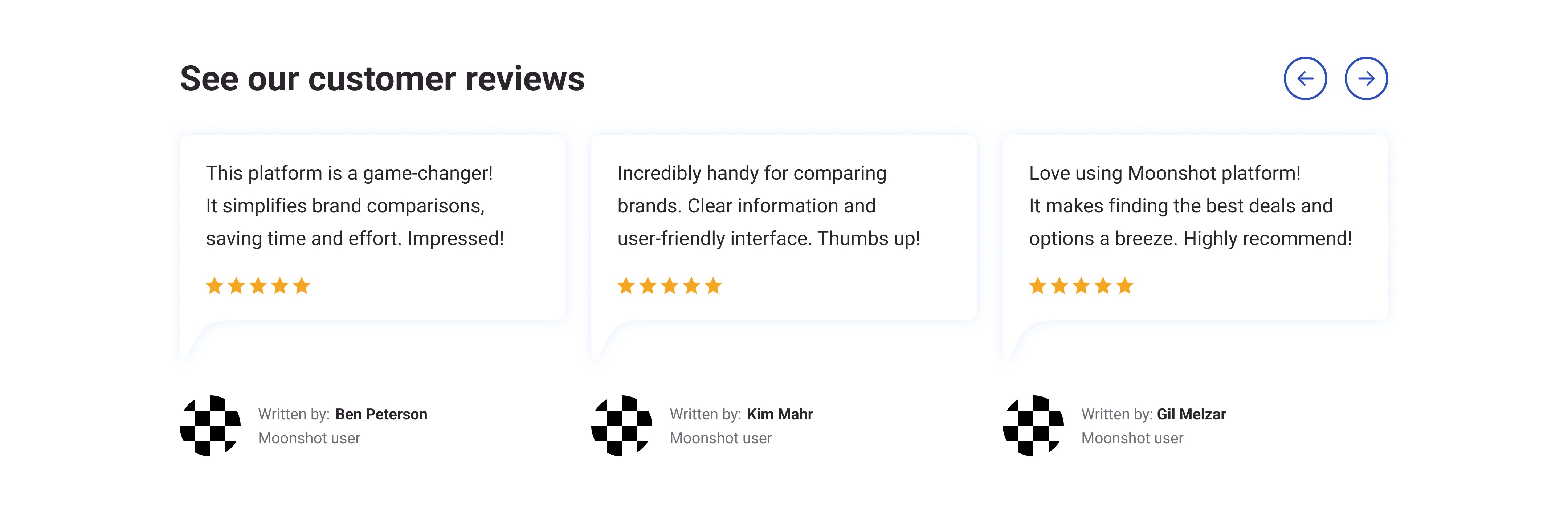
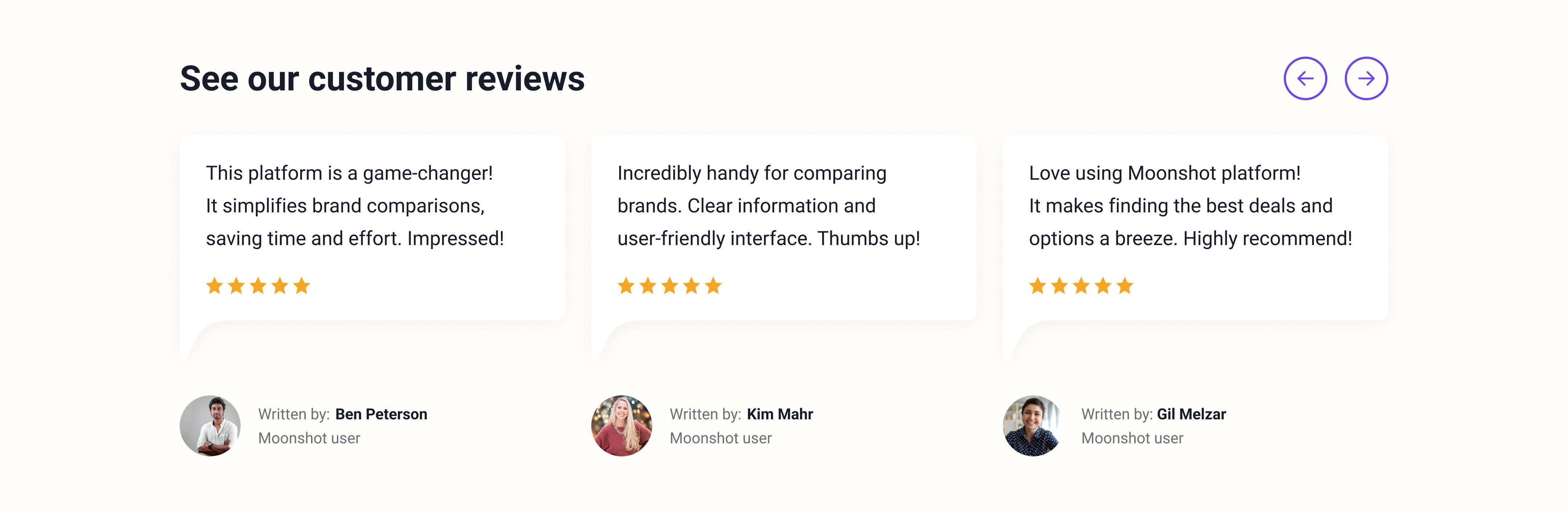
Old Review

Section

Old Review

Section

Old Review

Section

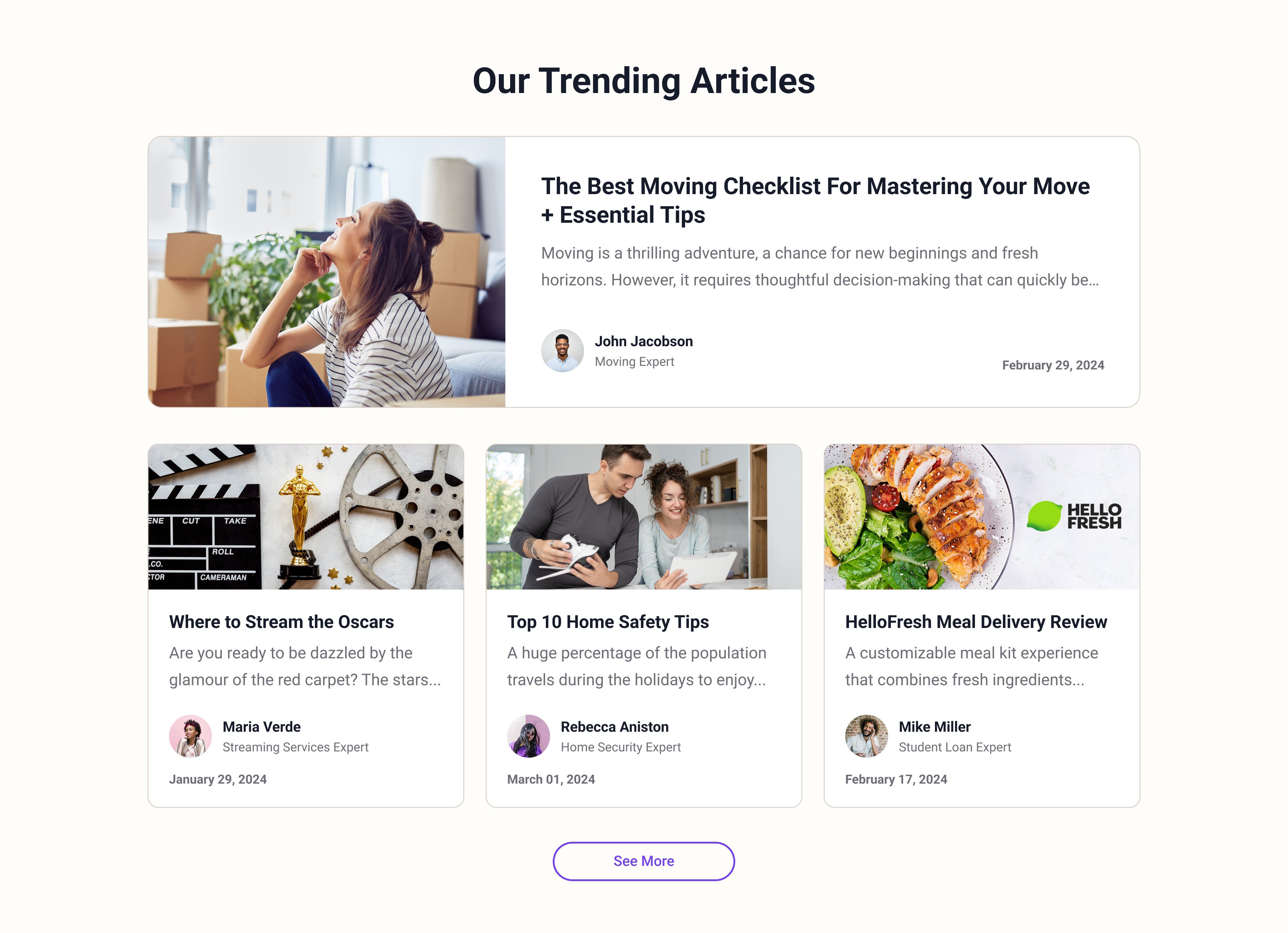
Old Trending Articles

Section

Old Trending Articles

Section

Old Trending Articles

Section

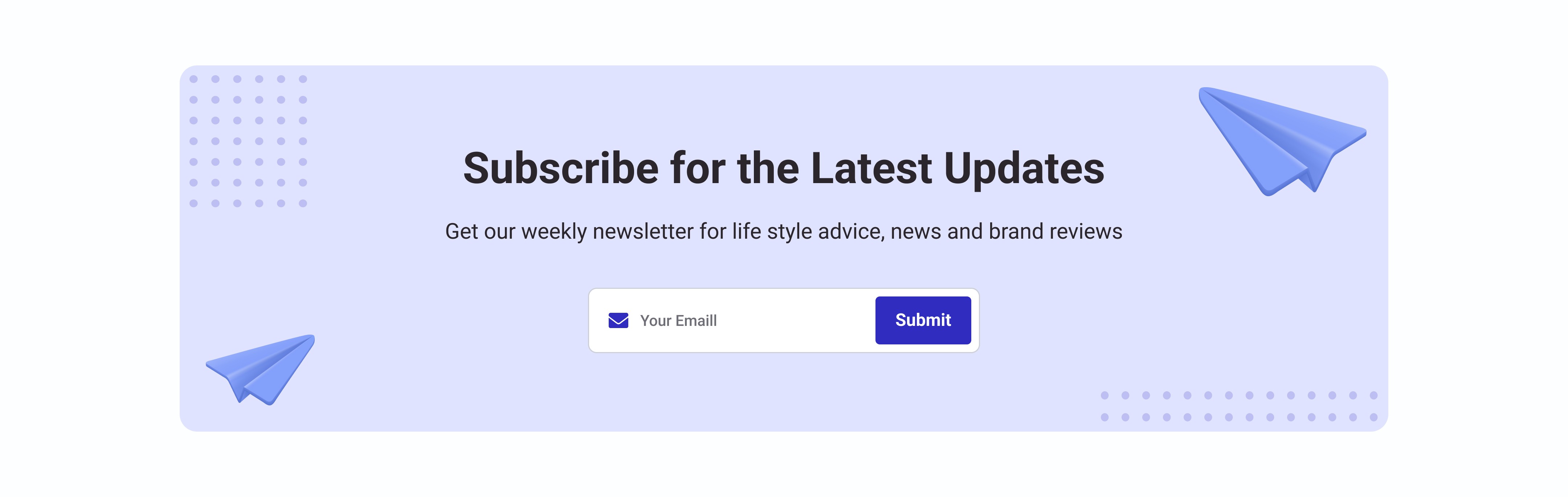
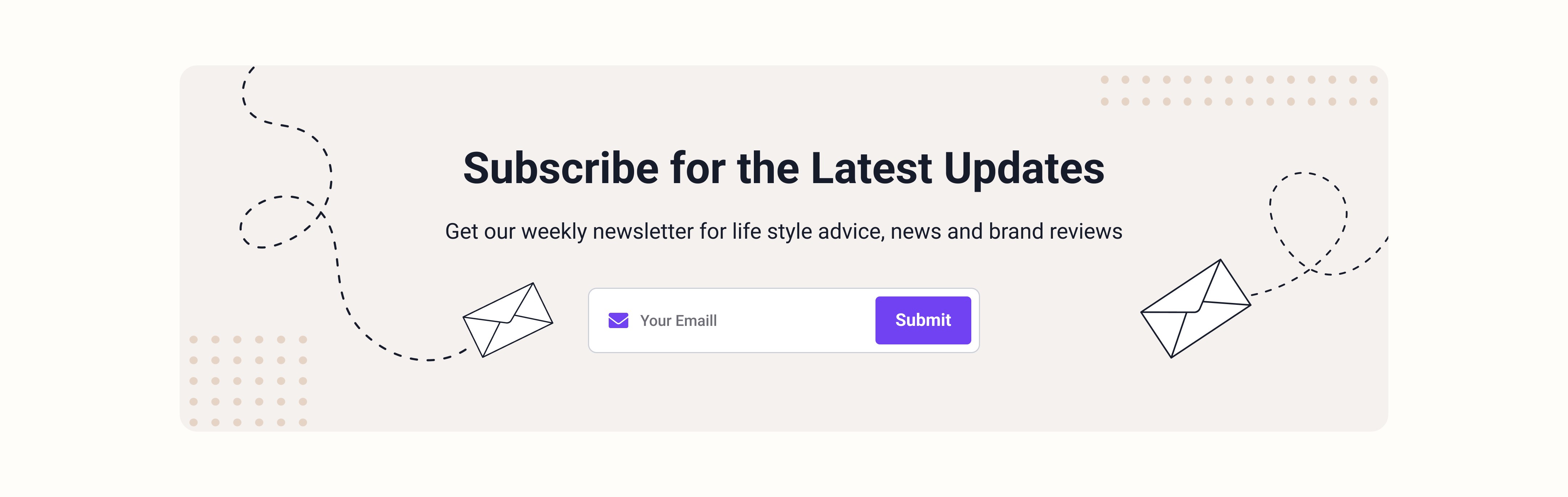
New Newsletter Section

New Newsletter Section

New Newsletter Section

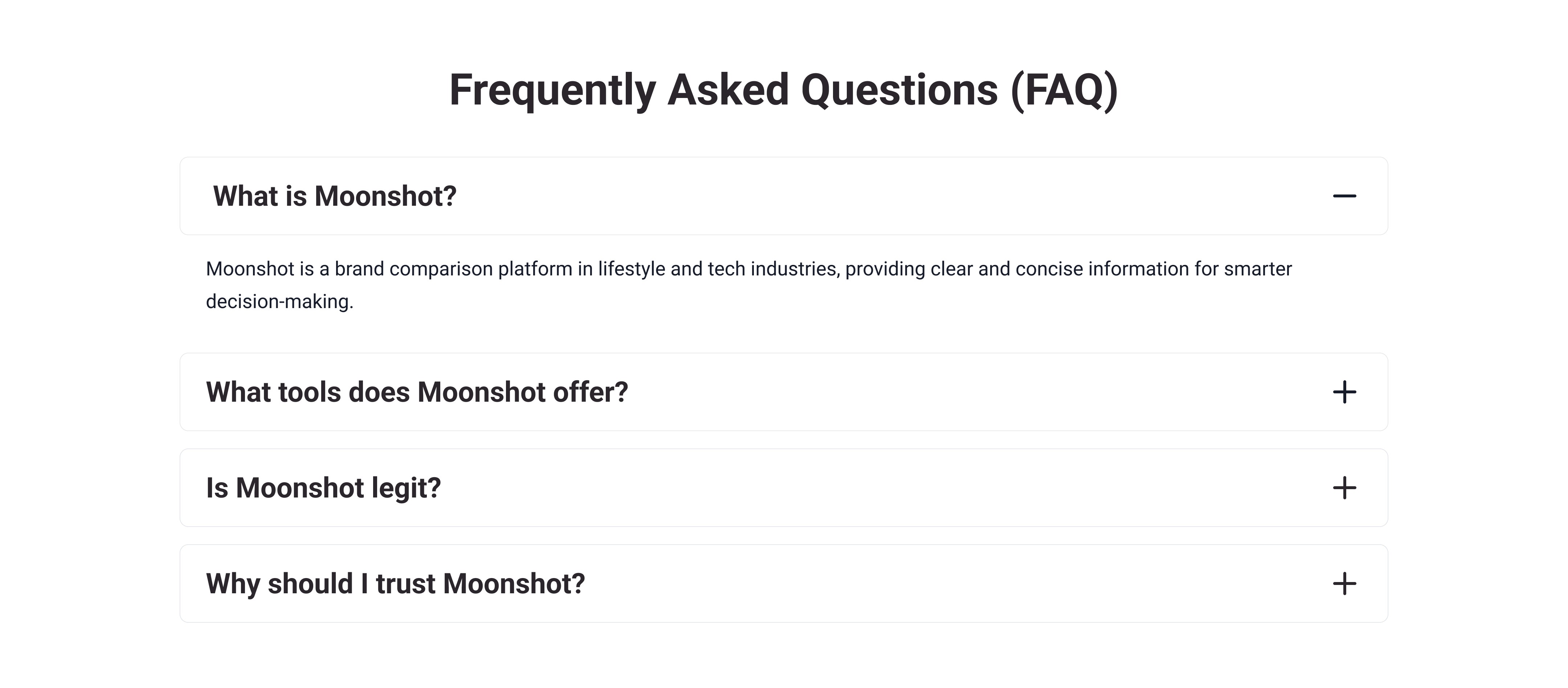
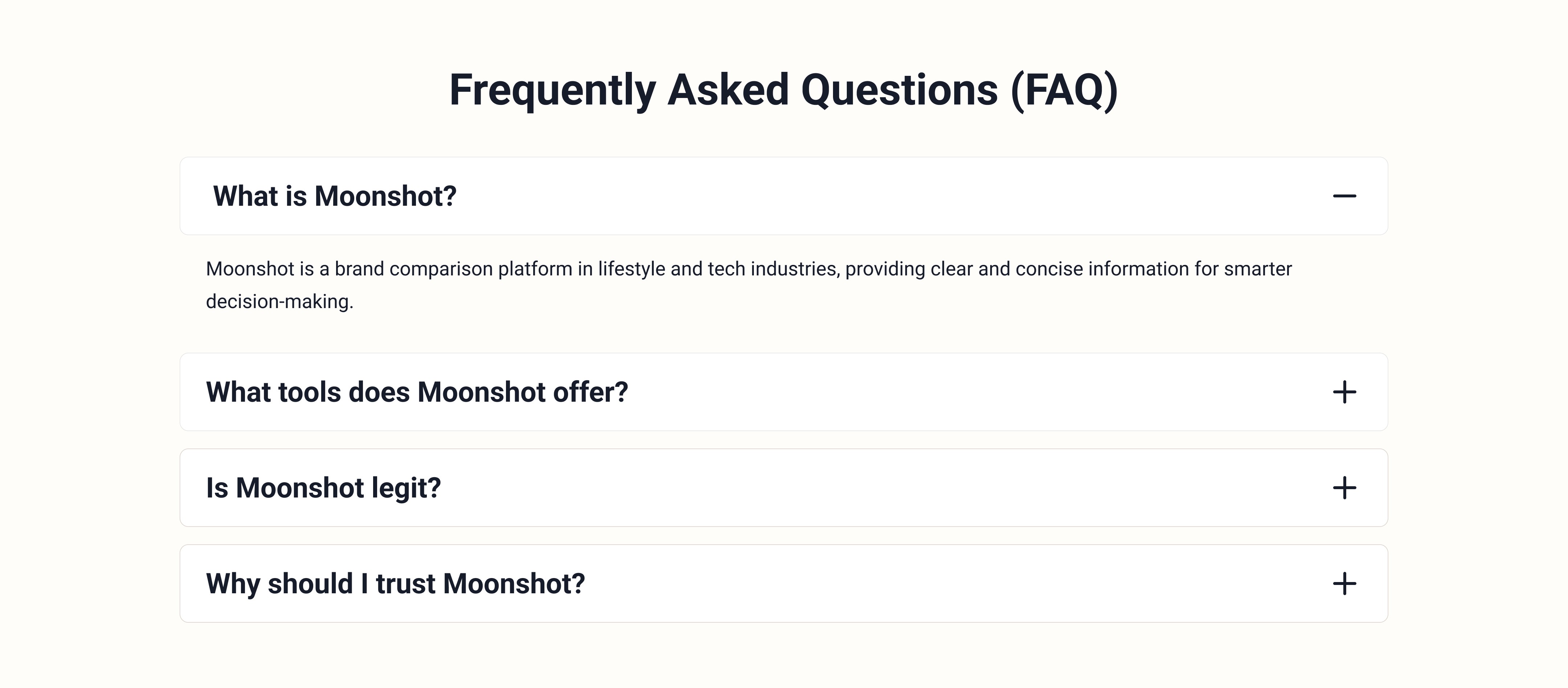
Old FAQ

Section

Old FAQ

Section

Old FAQ

Section

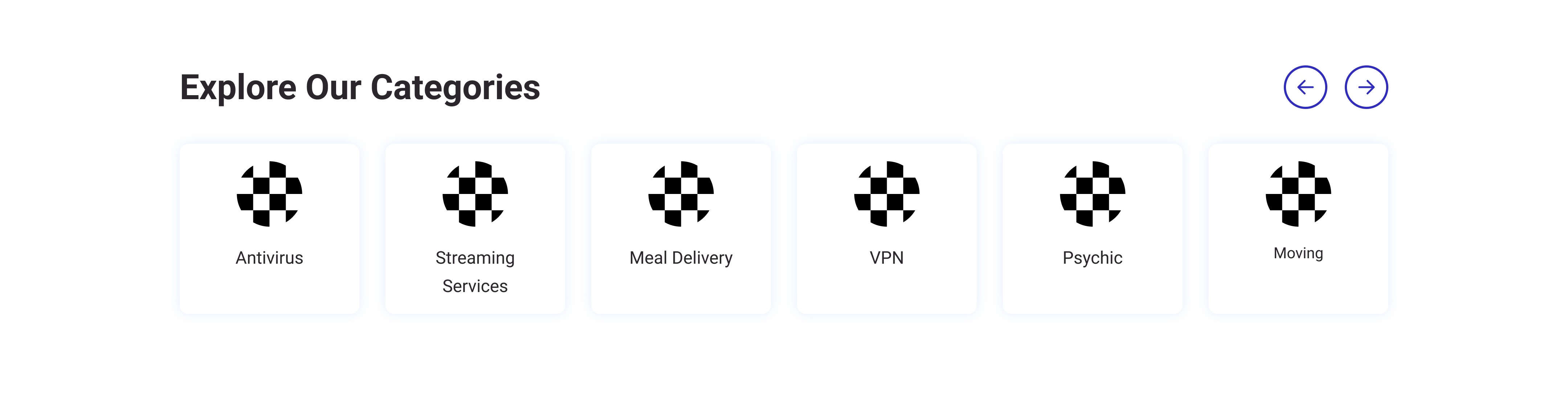
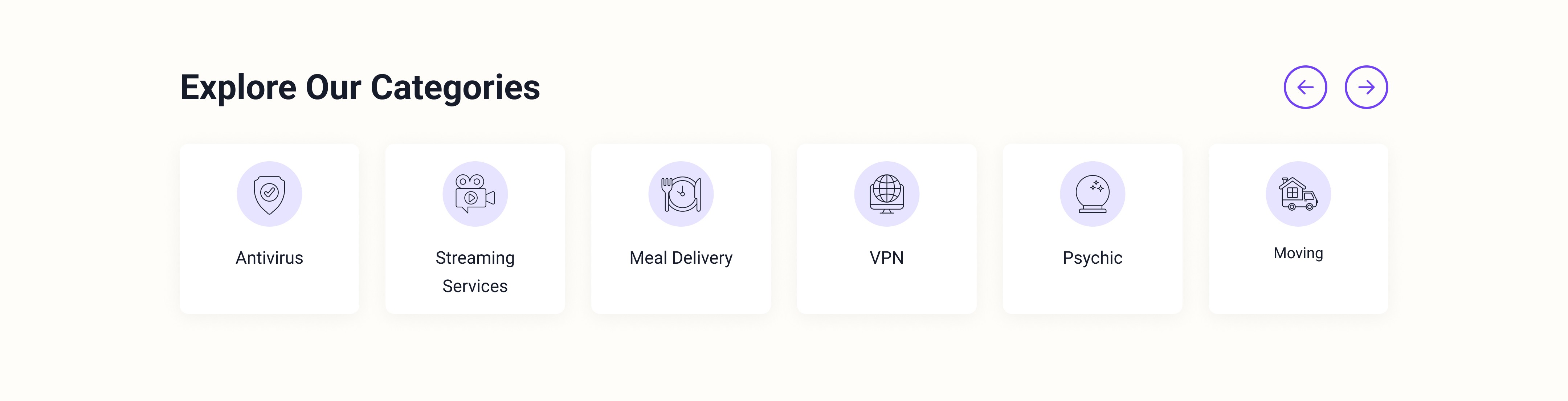
Old Related Categories

Section

Old Related Categories

Section

Old Related Categories

Section

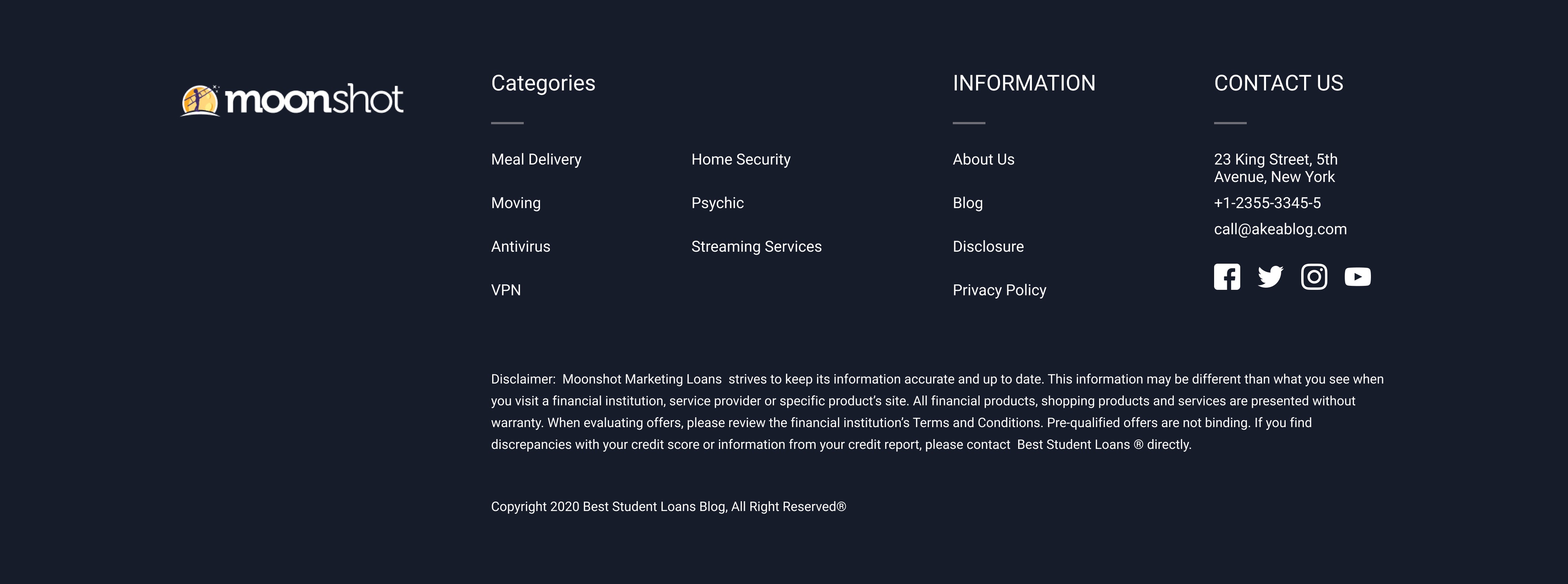
Old Footer

Section

Old Footer

Section

Old Footer

Section

3.1 STAGE

Modifying Sections

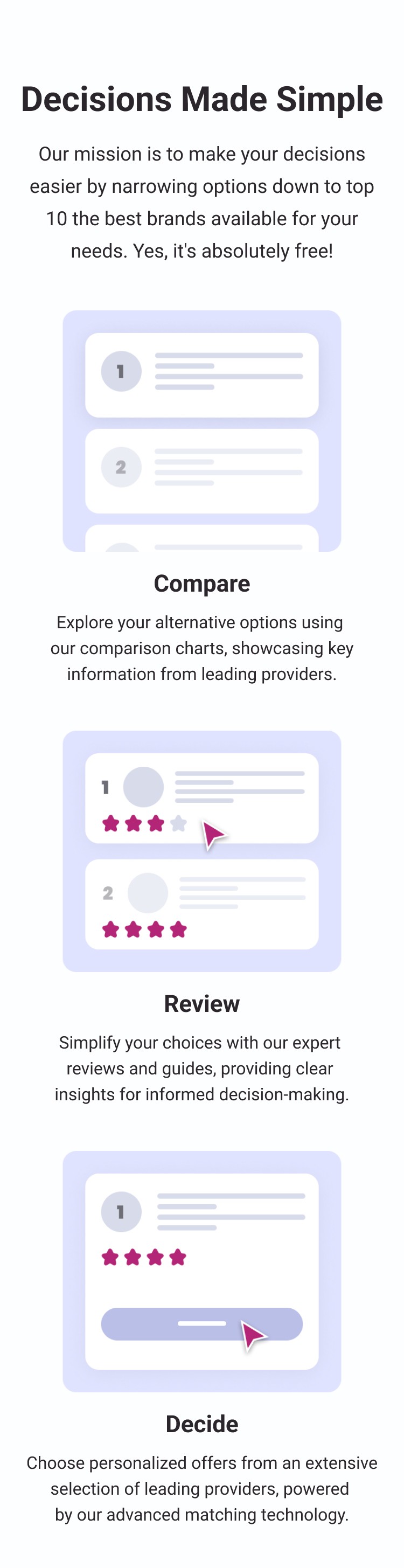
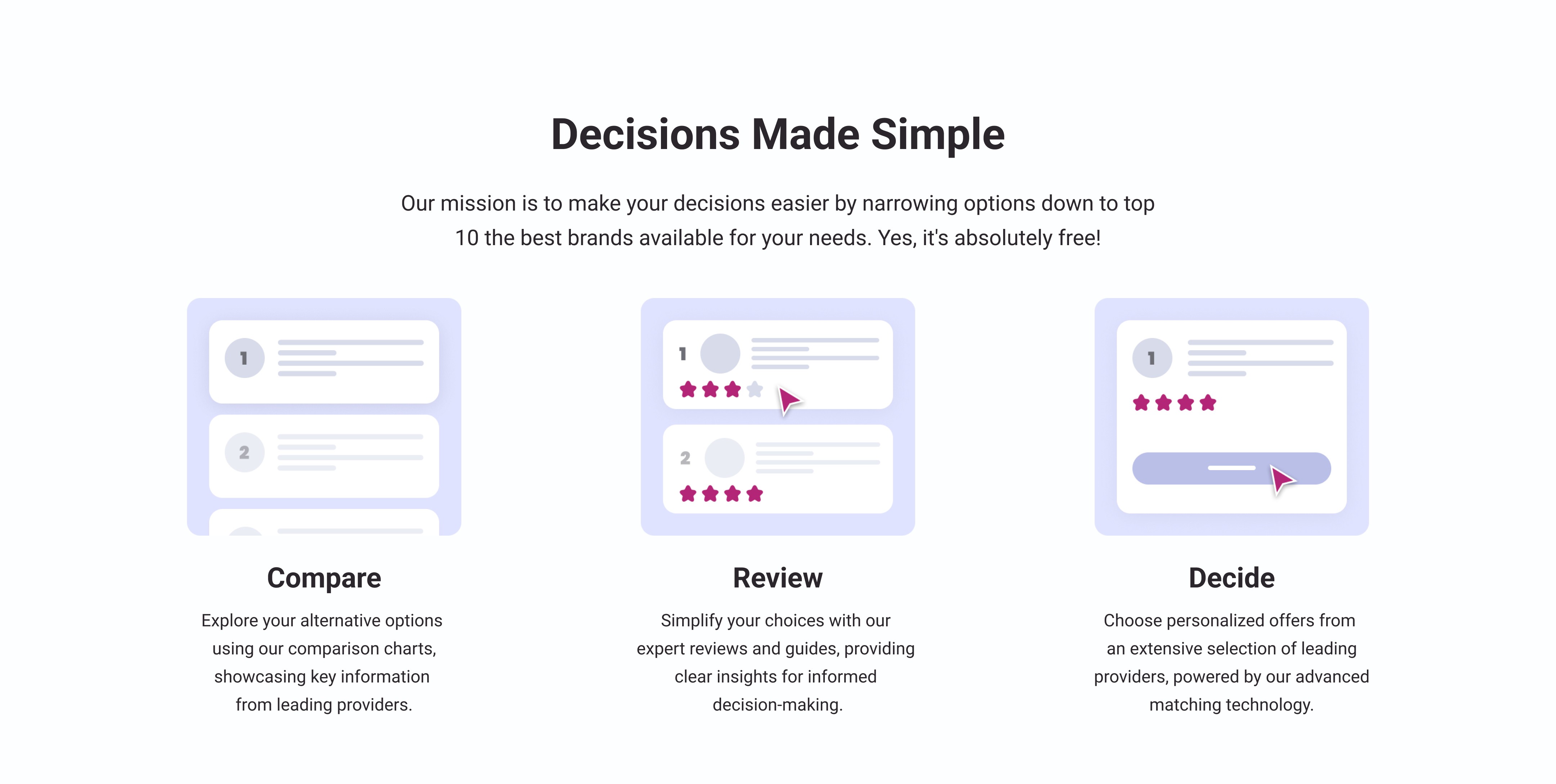
Creating the high-fidelity mockup helped me identify sections needing modification for better integration. I presented two design options to the product manager: one with the existing sections unchanged and another with minor corrections.

Old Sections Reuse + New Ones

Old Sections Reuse + New Ones

Old Sections Reuse + New Ones

New

Section

New

Section

New

Section

Old

Section

Old

Section

Old

Section

New

Section

New

Section

New

Section

Modified Old Sections + New Ones

Modified Old Sections + New Ones

Modified Old Sections + New Ones

New

Section

New

Section

New

Section

Modified

Section

Modified

Section

Modified

Section

New

Section

New

Section

New

Section

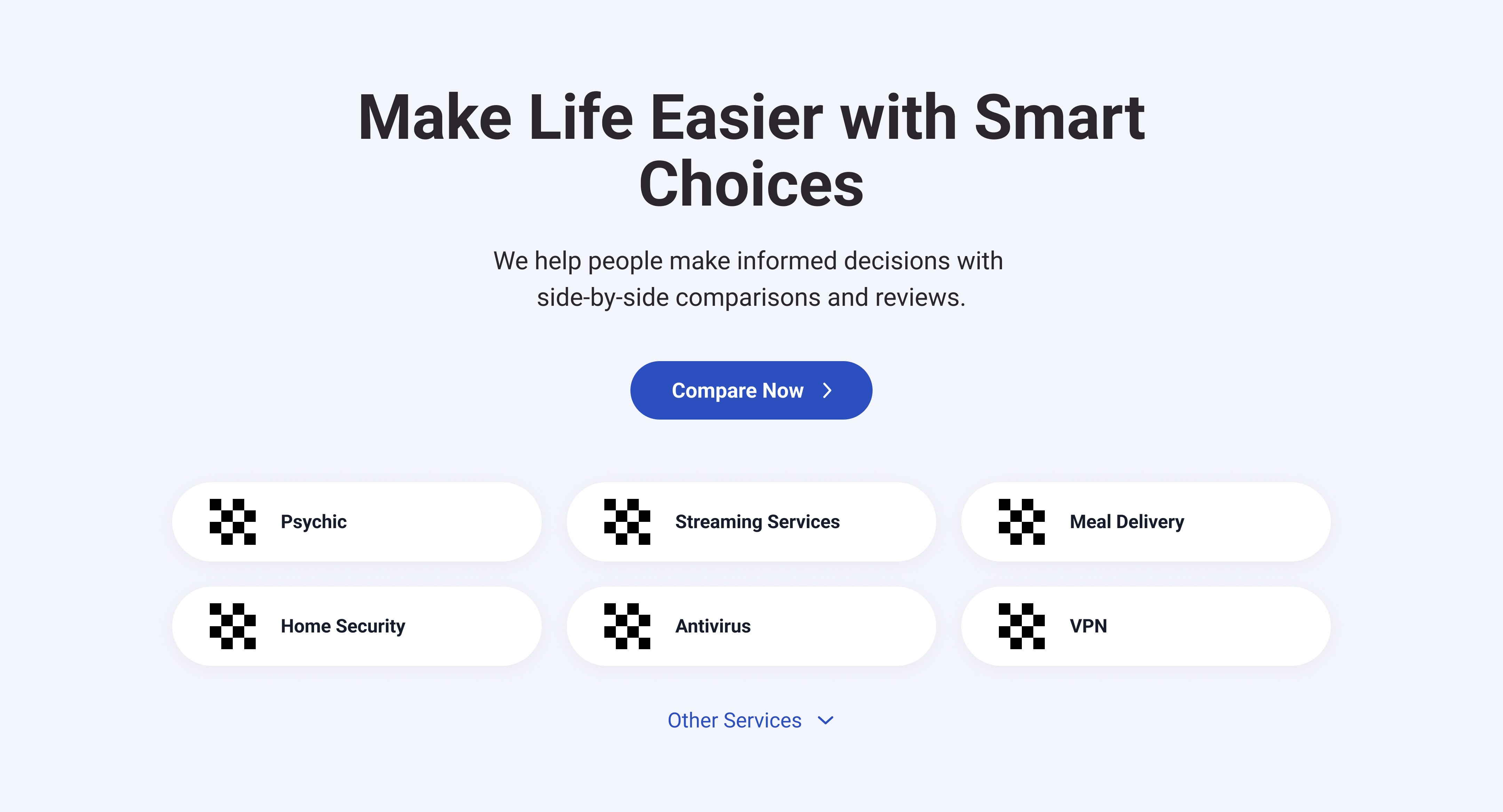
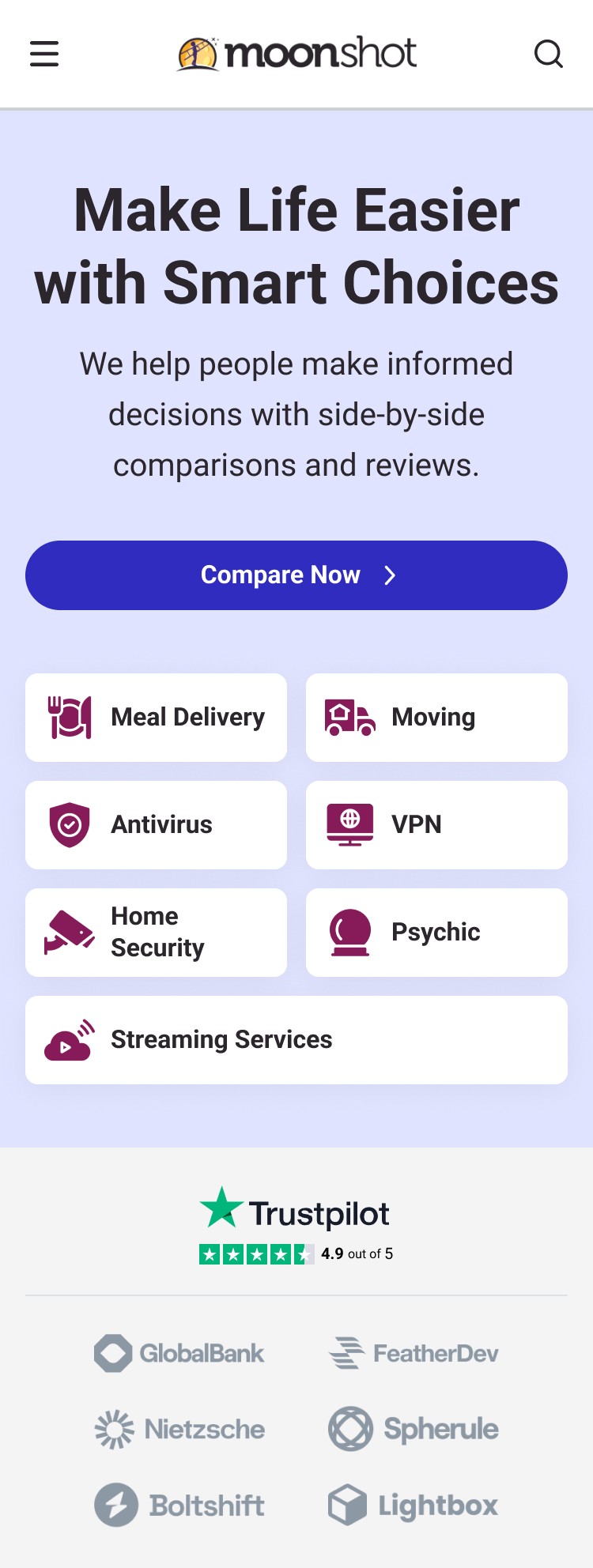
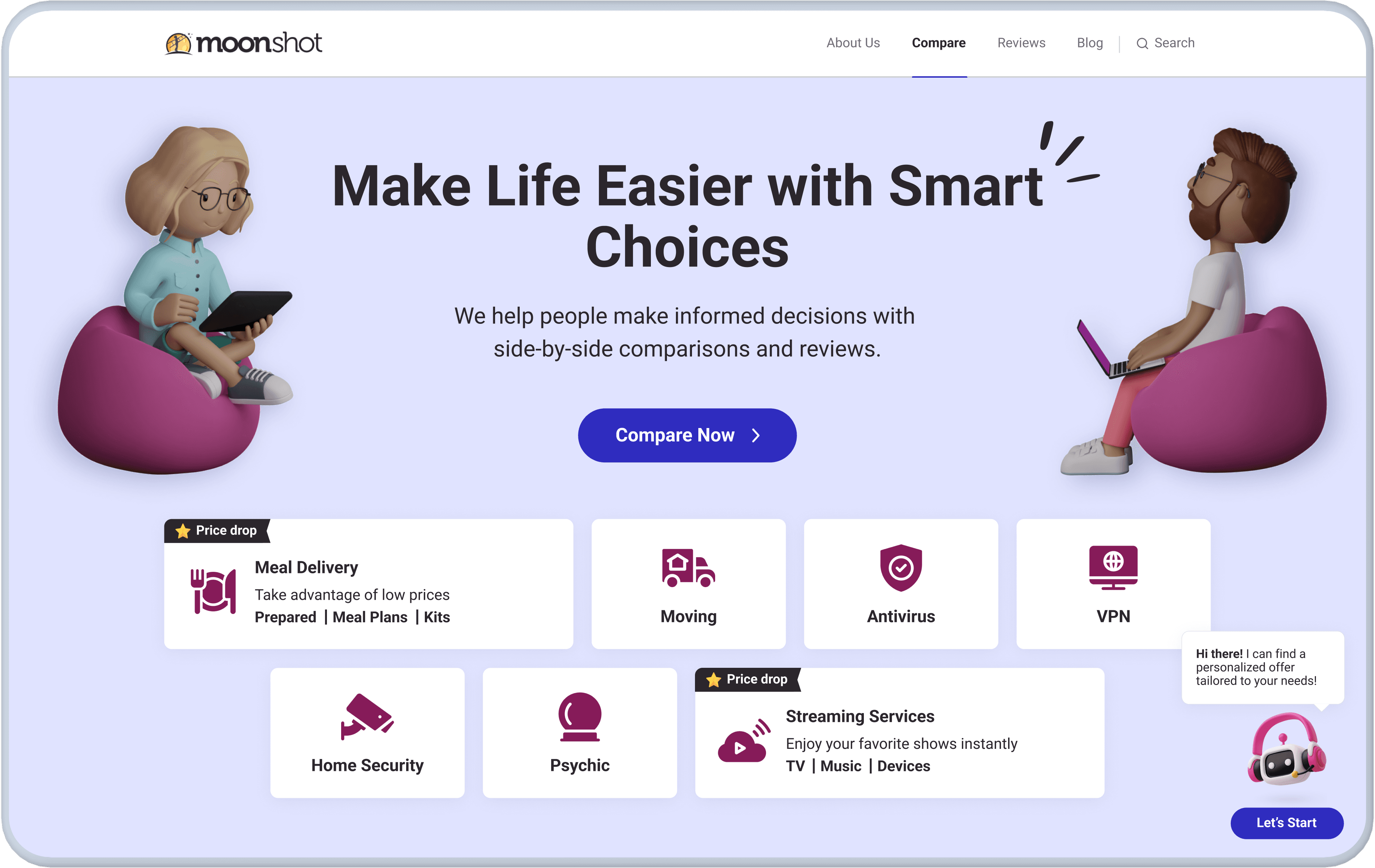
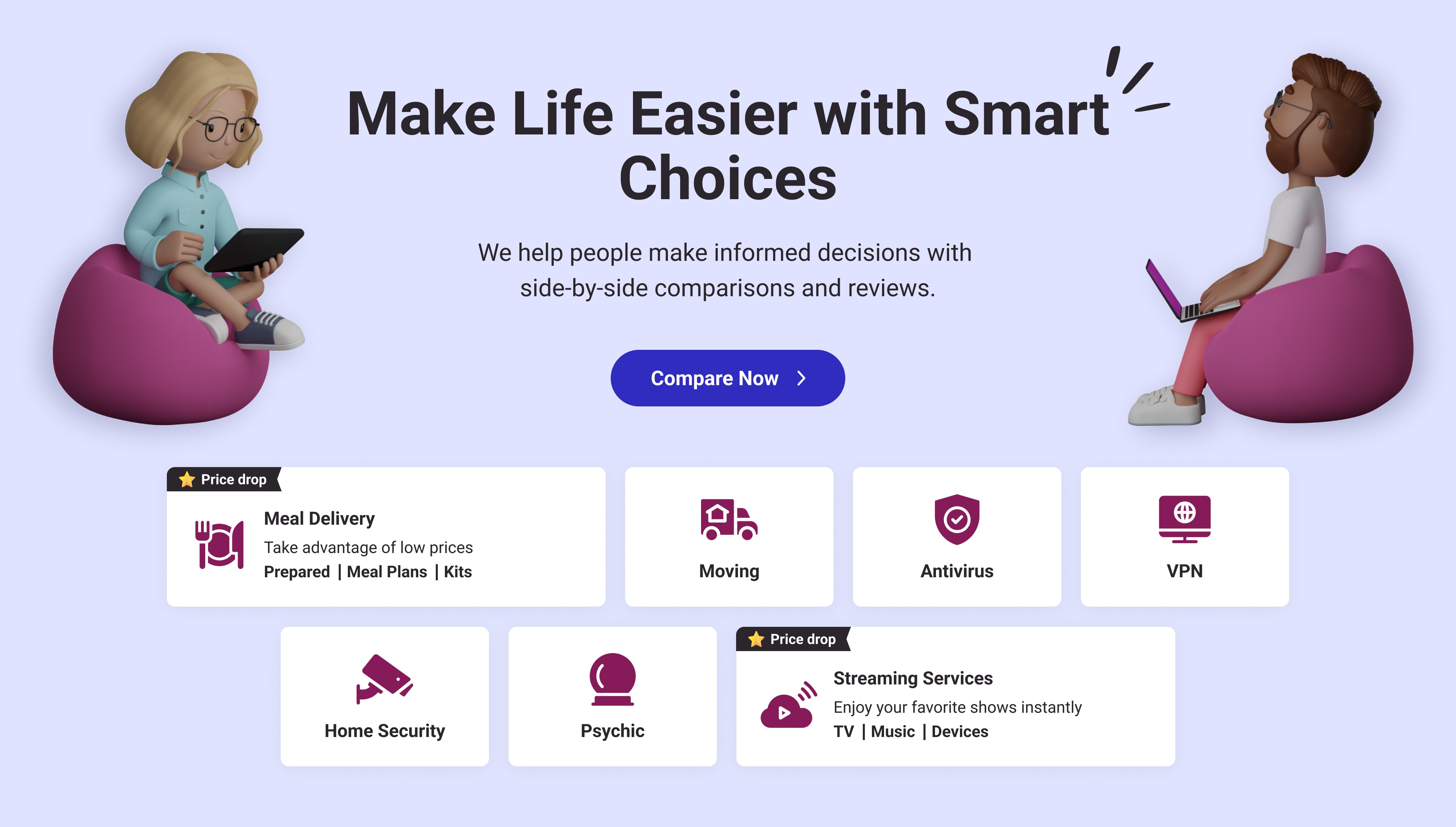
I also proposed an alternative Hero Section with new Category Tabs, enabling us to: display more categories on the first screen, promote categories effectively, and add subtitles and subcategories.
Category Tabs from Design System

Category Tabs from Design System

Category Tabs from Design System

New Category Tabs

New Category Tabs

New Category Tabs

3.2 STAGE

Final Result

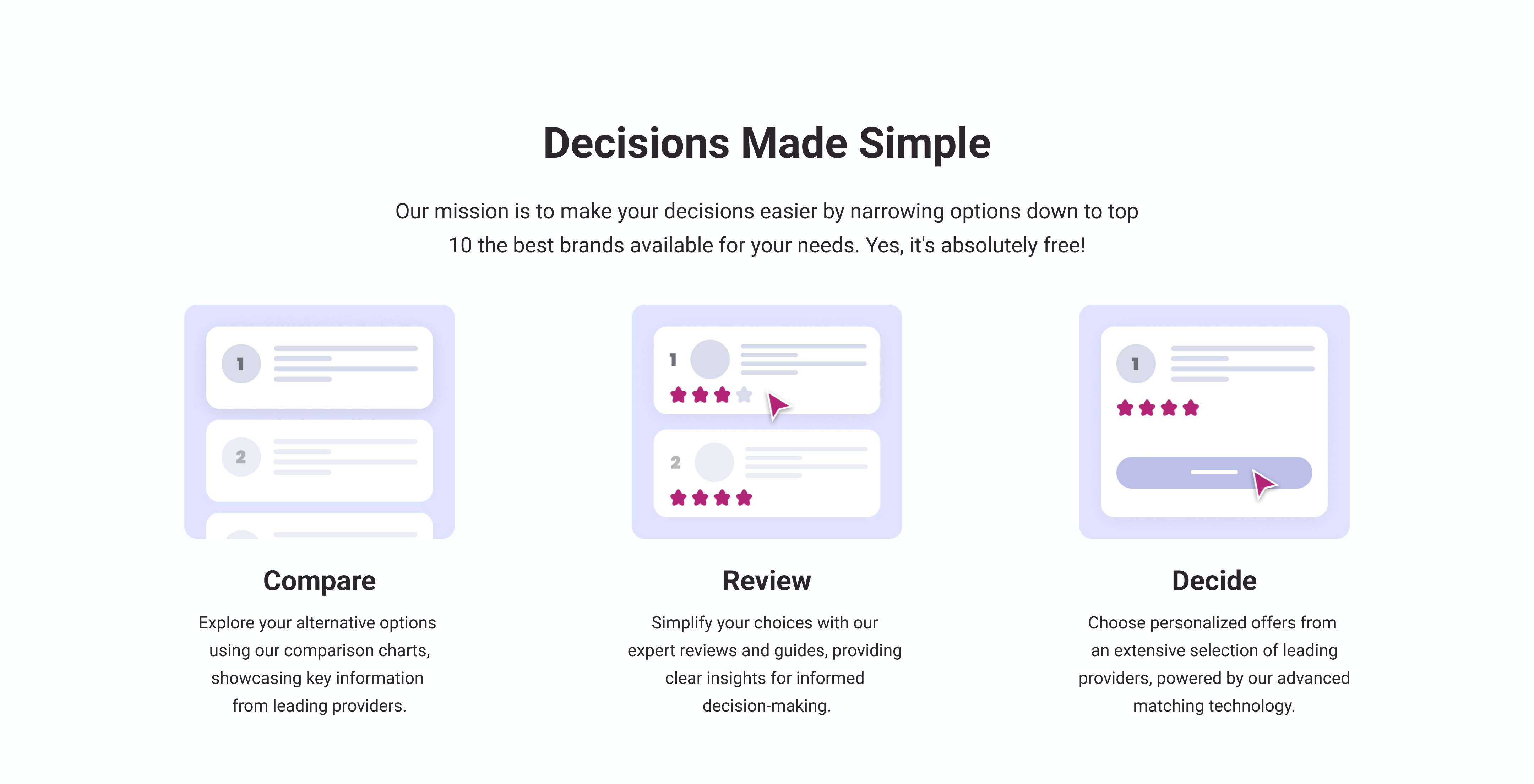
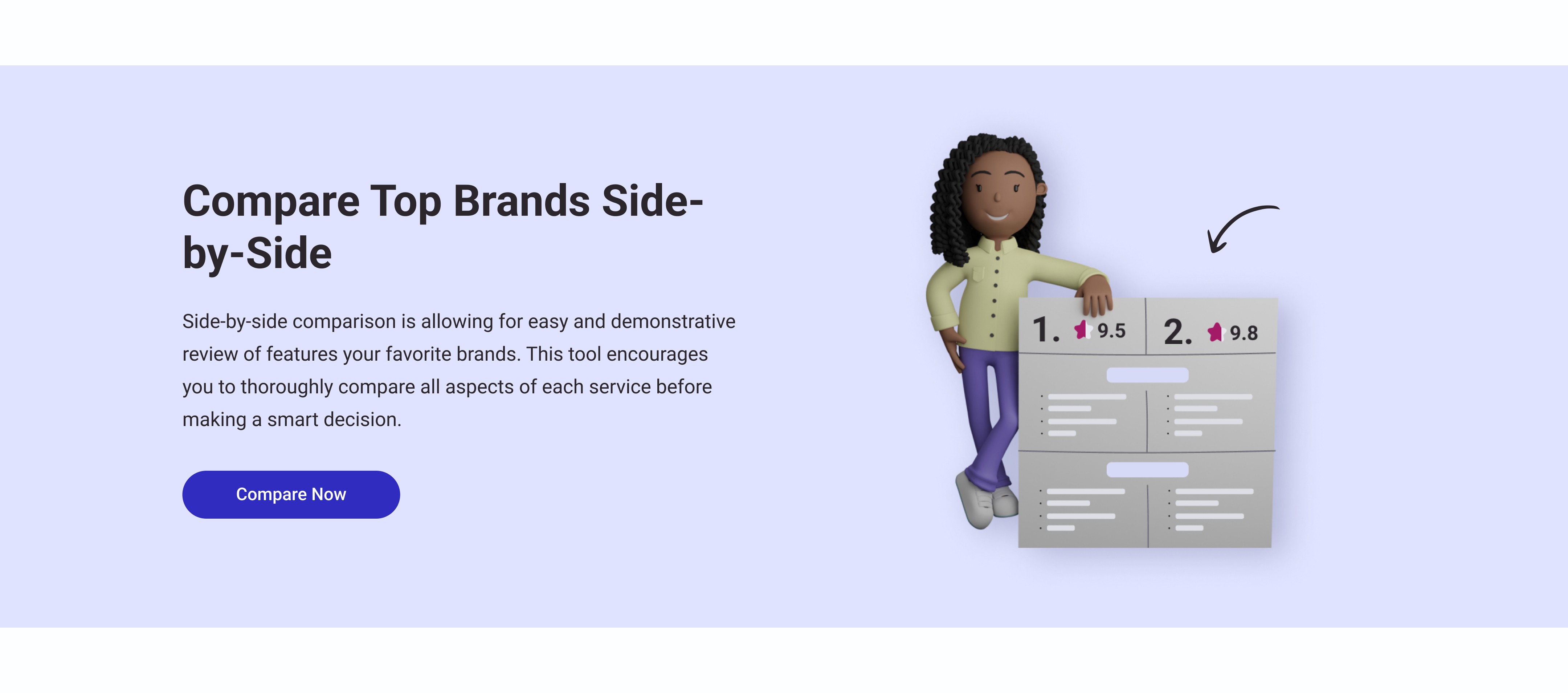
The final design incorporates five existing sections in their original form, four existing sections with minor corrections, and six newly created sections using styles and components from the Design System.
Old Navbar

Section

Old Navbar

Section

Old Navbar

Section

New

Hero Section

New

Hero Section

New

Hero Section

New Brand

Section

New Brand

Section

New Brand

Section

Modified About

Section

Modified About

Section

Modified About

Section

New Trending List

Section

New Trending List

Section

New Trending List

Section

New Side by Side Comparison Section

New Side by Side Comparison Section

New Side by Side Comparison Section

Modified Promo Section

Modified Promo Section

Modified Promo Section

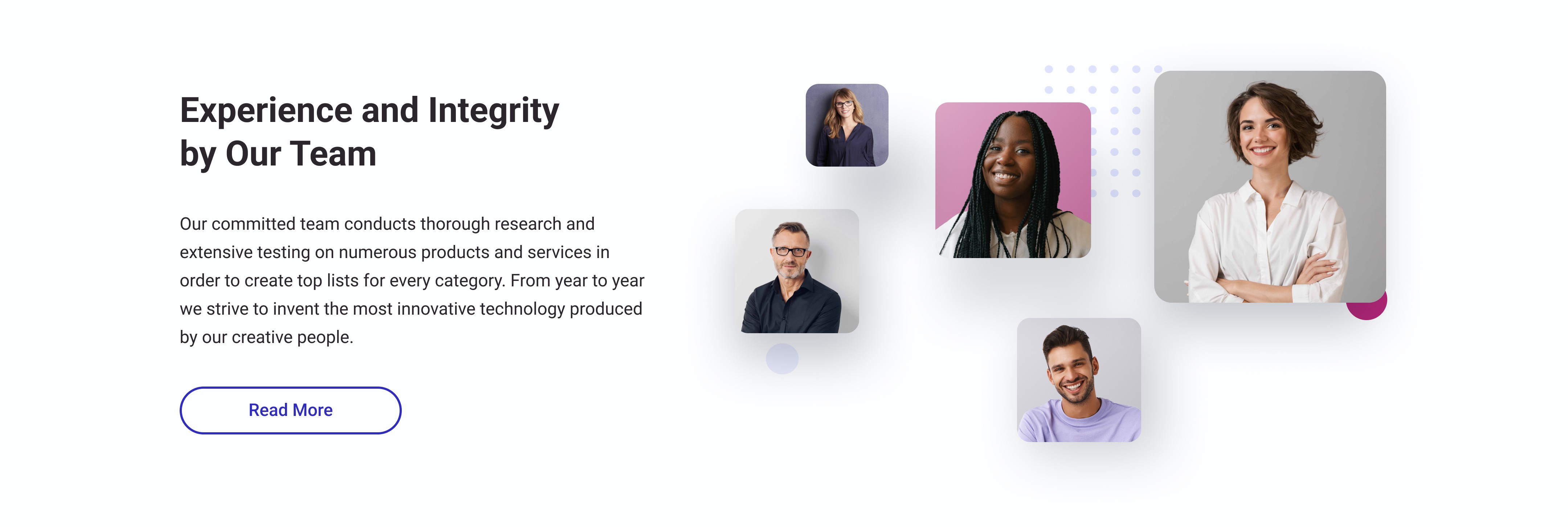
Modified Our Team

Section

Modified Our Team

Section

Modified Our Team

Section

New Metrics Section

New Metrics Section

New Metrics Section

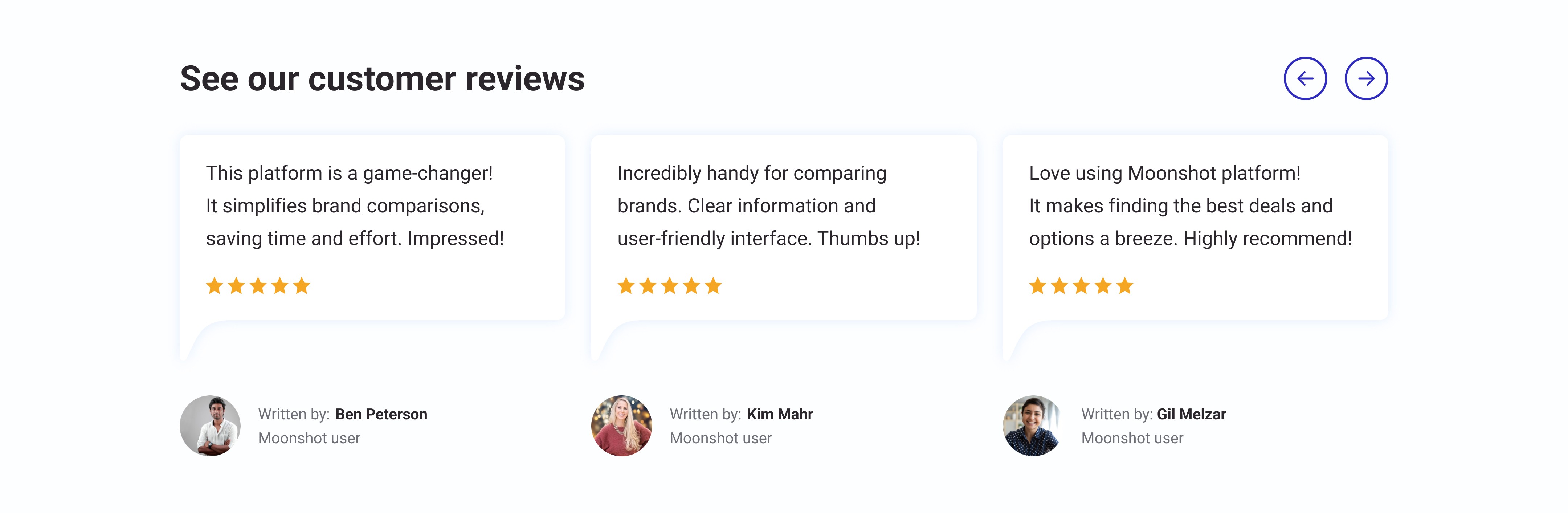
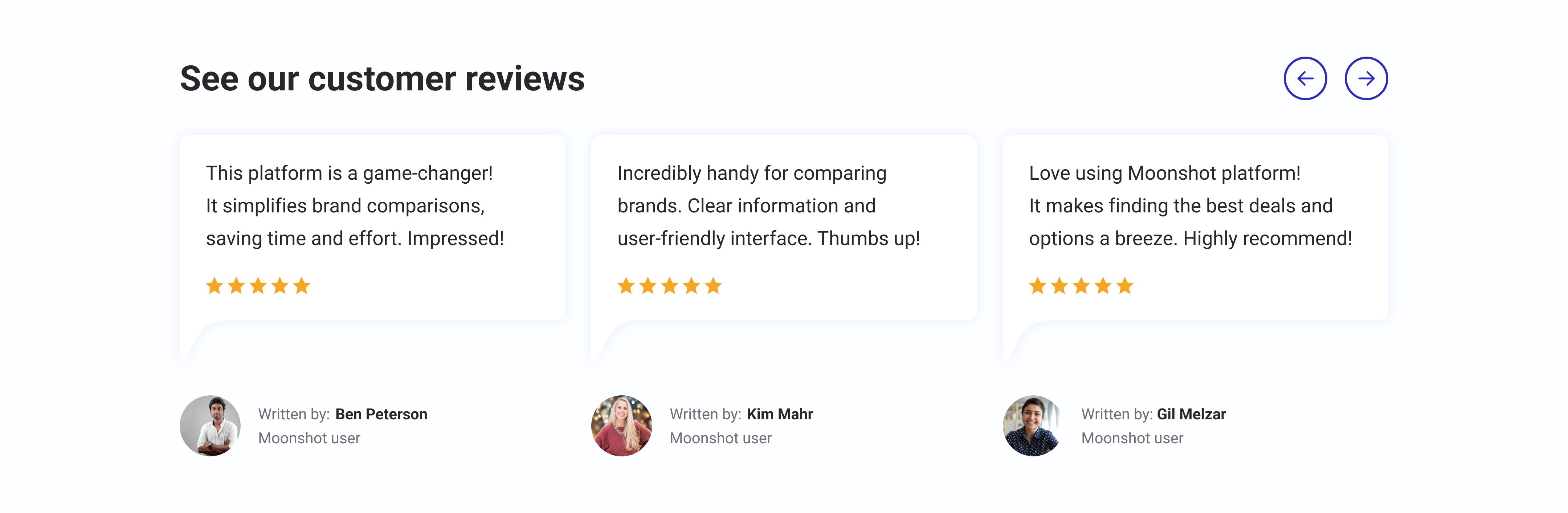
Old Review

Section

Old Review

Section

Old Review

Section

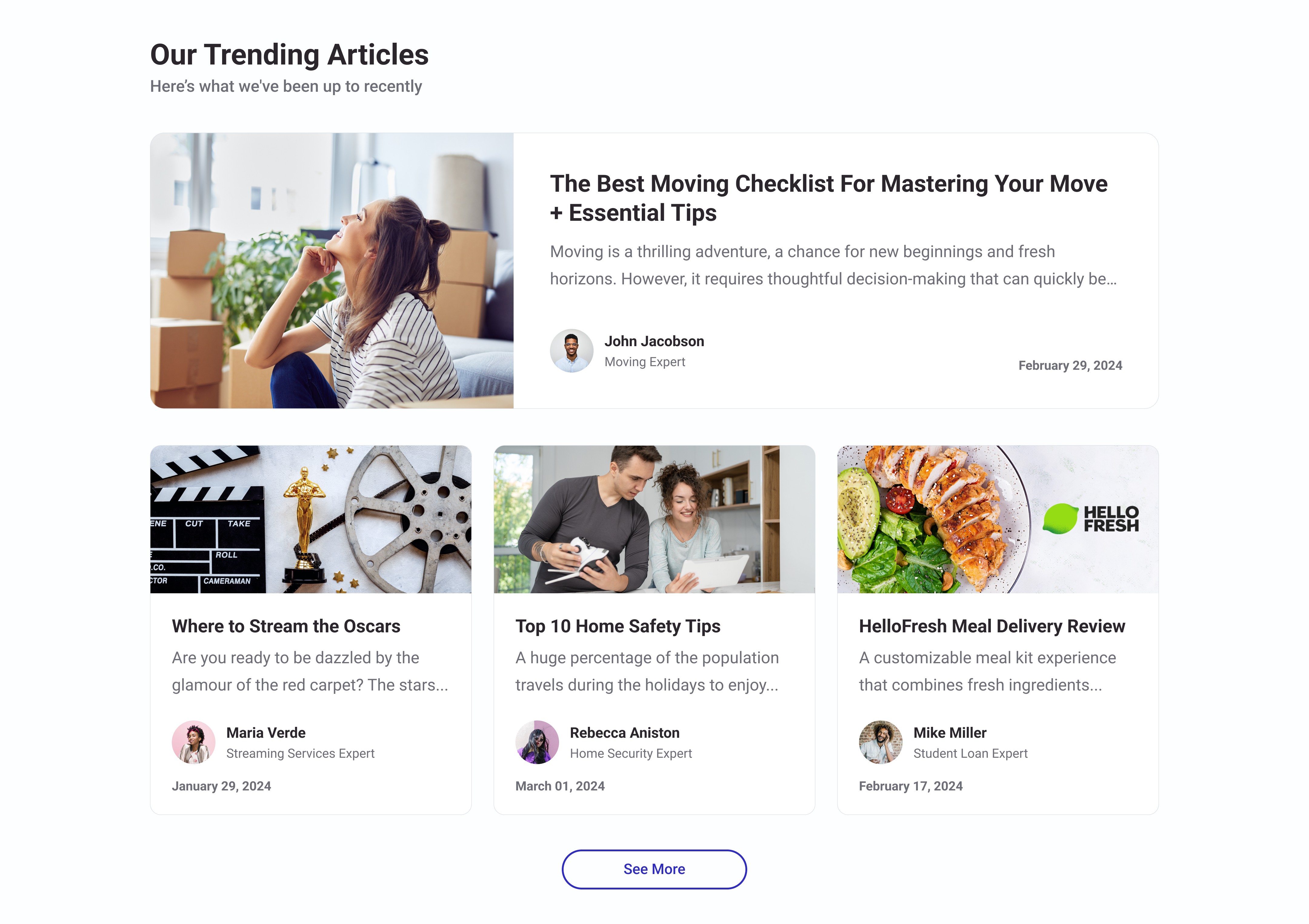
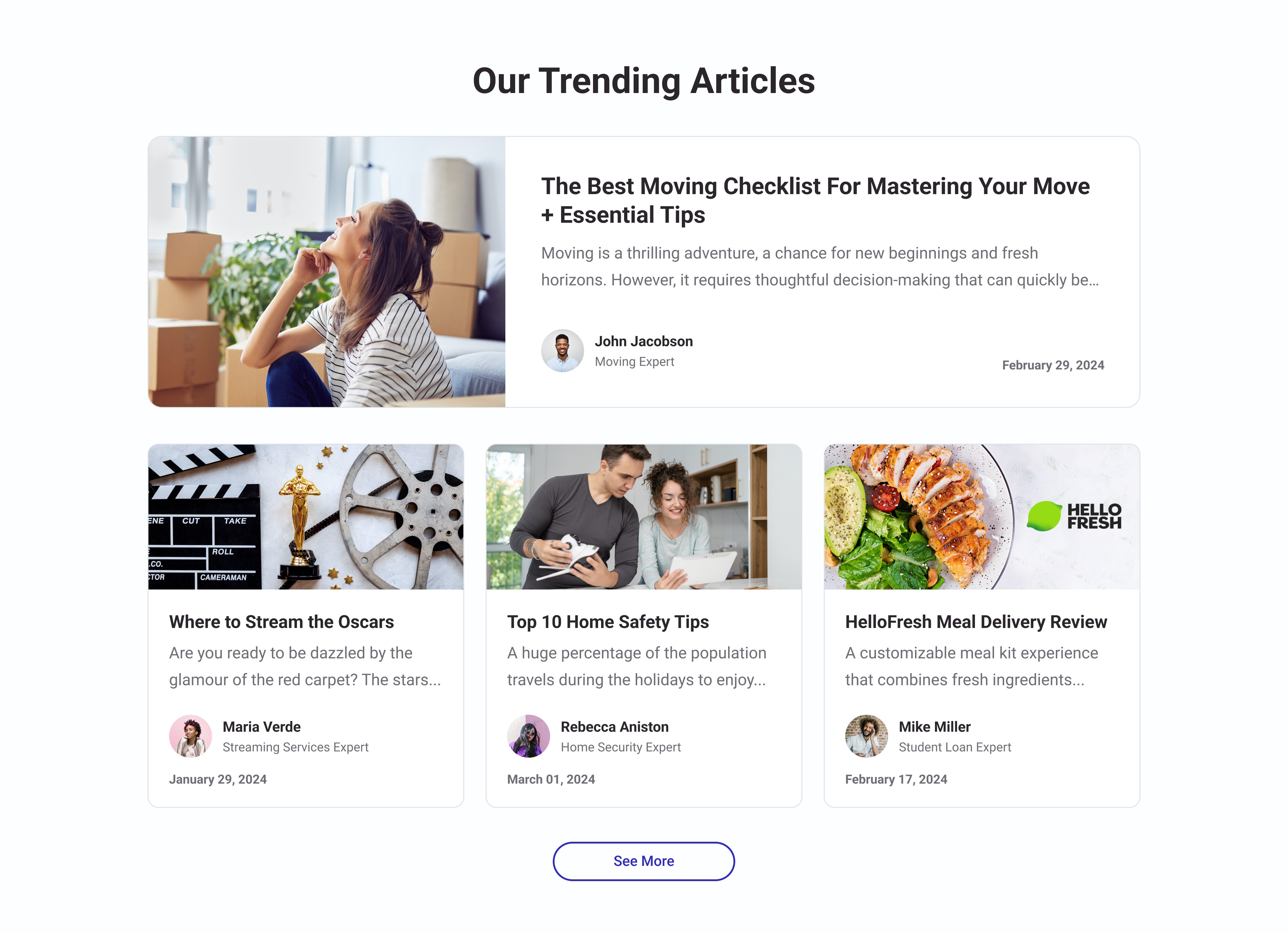
Modified Trending Articles

Section

Modified Trending Articles

Section

Modified Trending Articles

Section

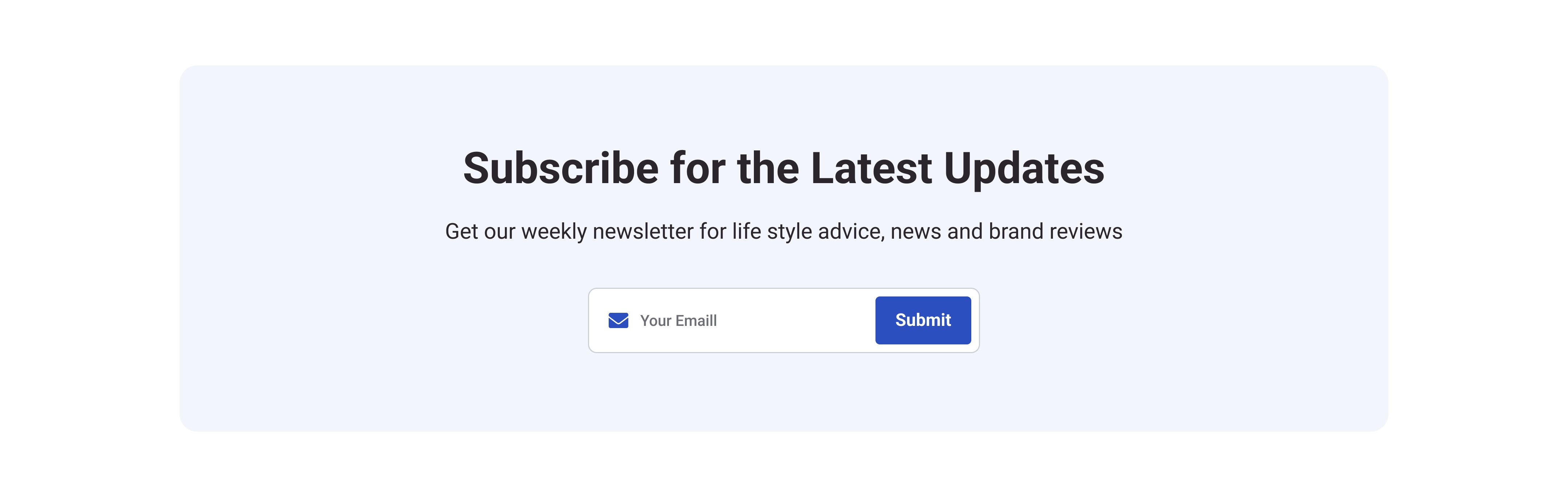
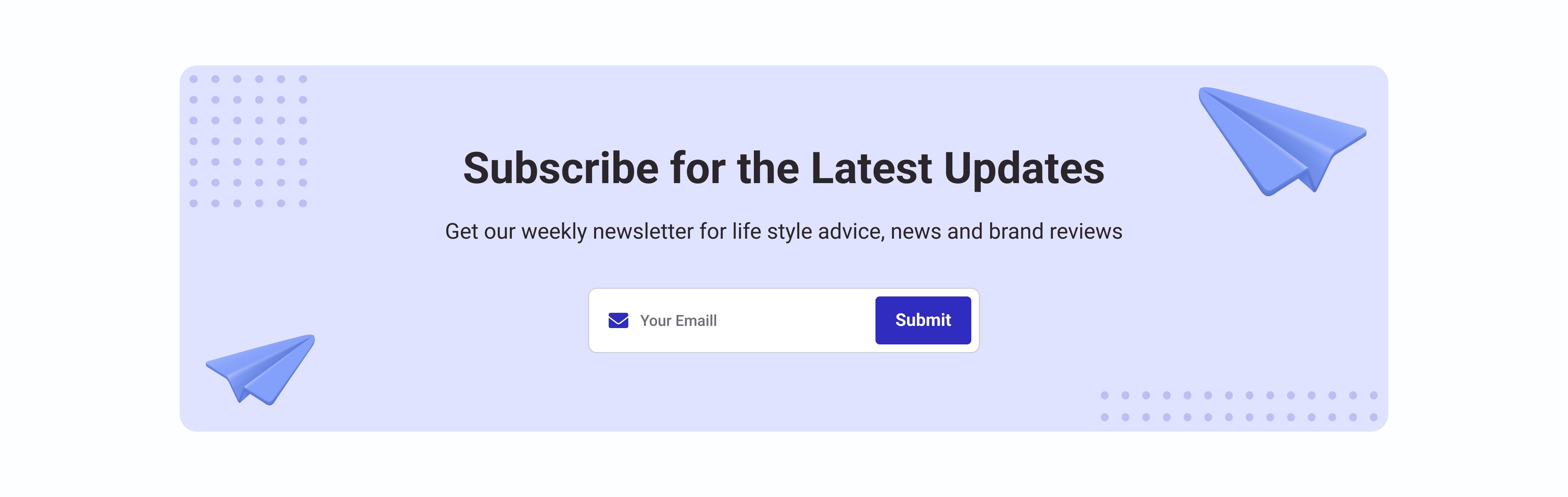
New Newsletter Section

New Newsletter Section

New Newsletter Section

Old FAQ

Section

Old FAQ

Section

Old FAQ

Section

Old Related Categories

Section

Old Related Categories

Section

Old Related Categories

Section

Old Footer

Section

Old Footer

Section

Old Footer

Section

A/B TEST

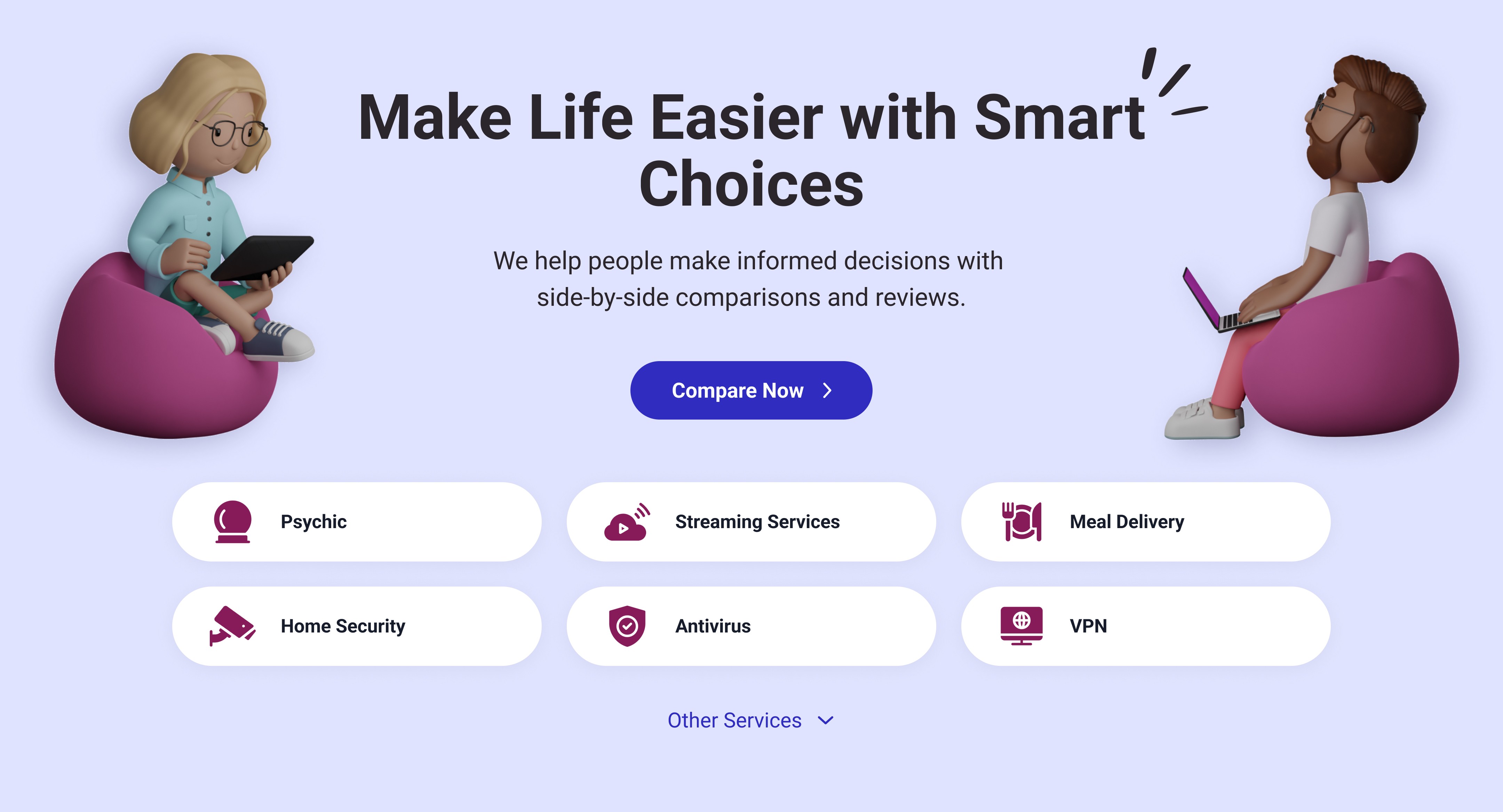
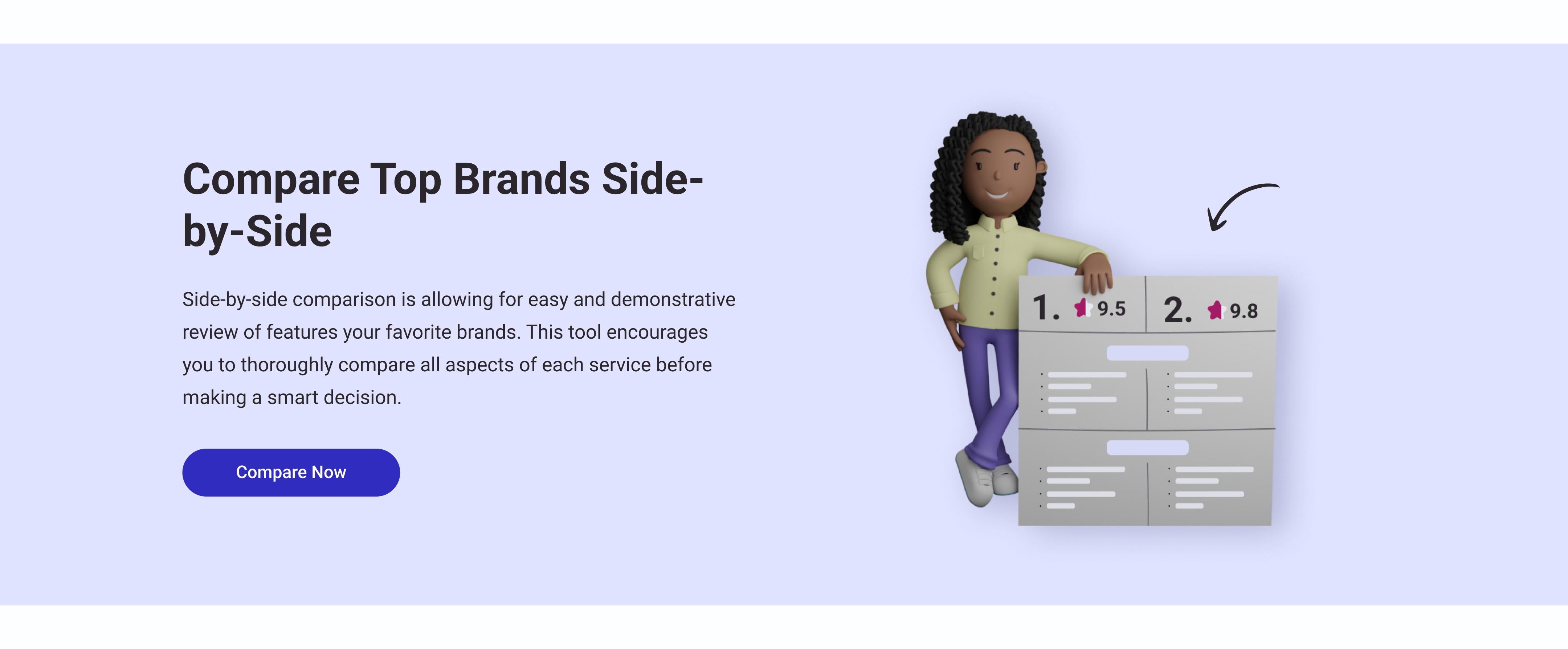
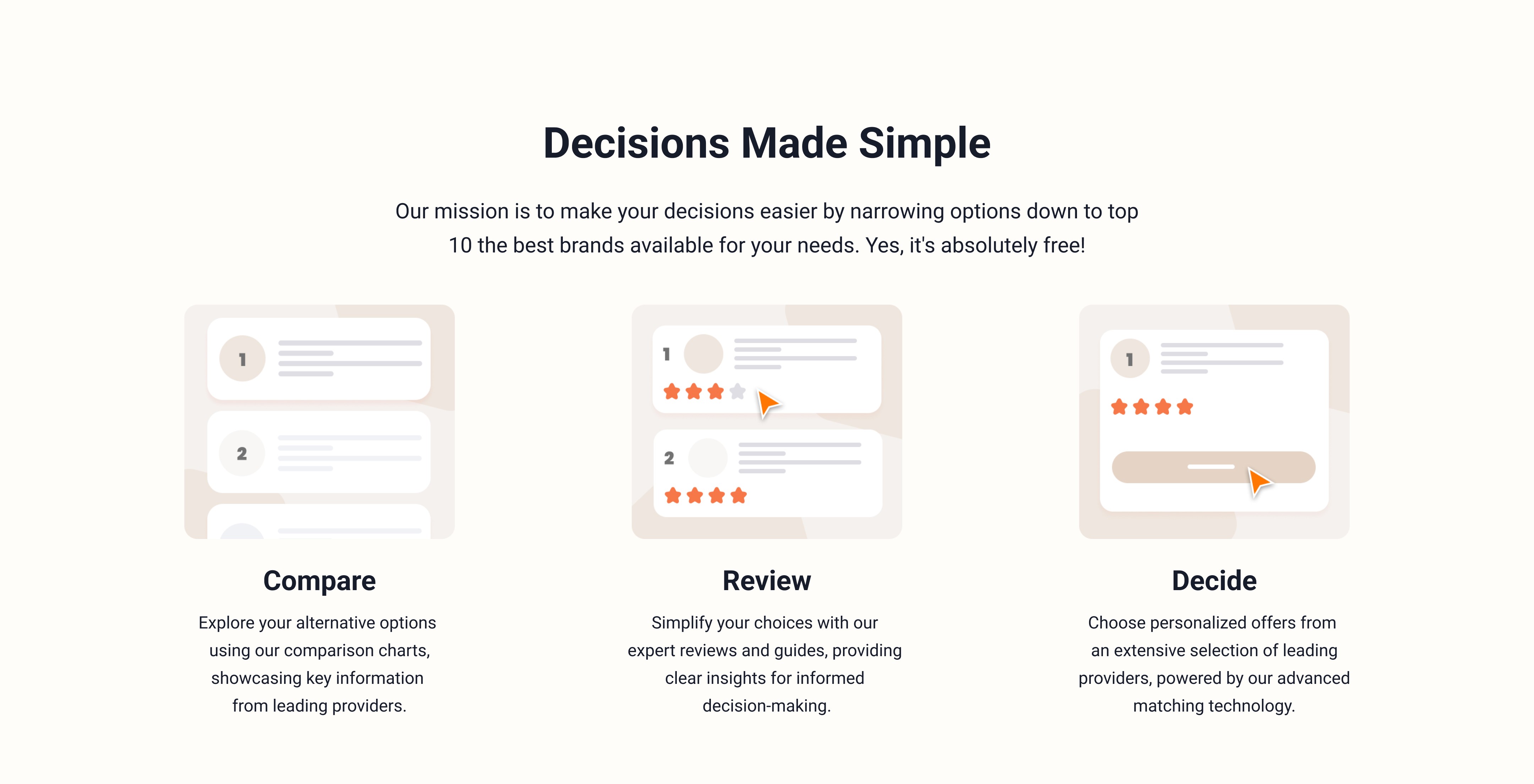
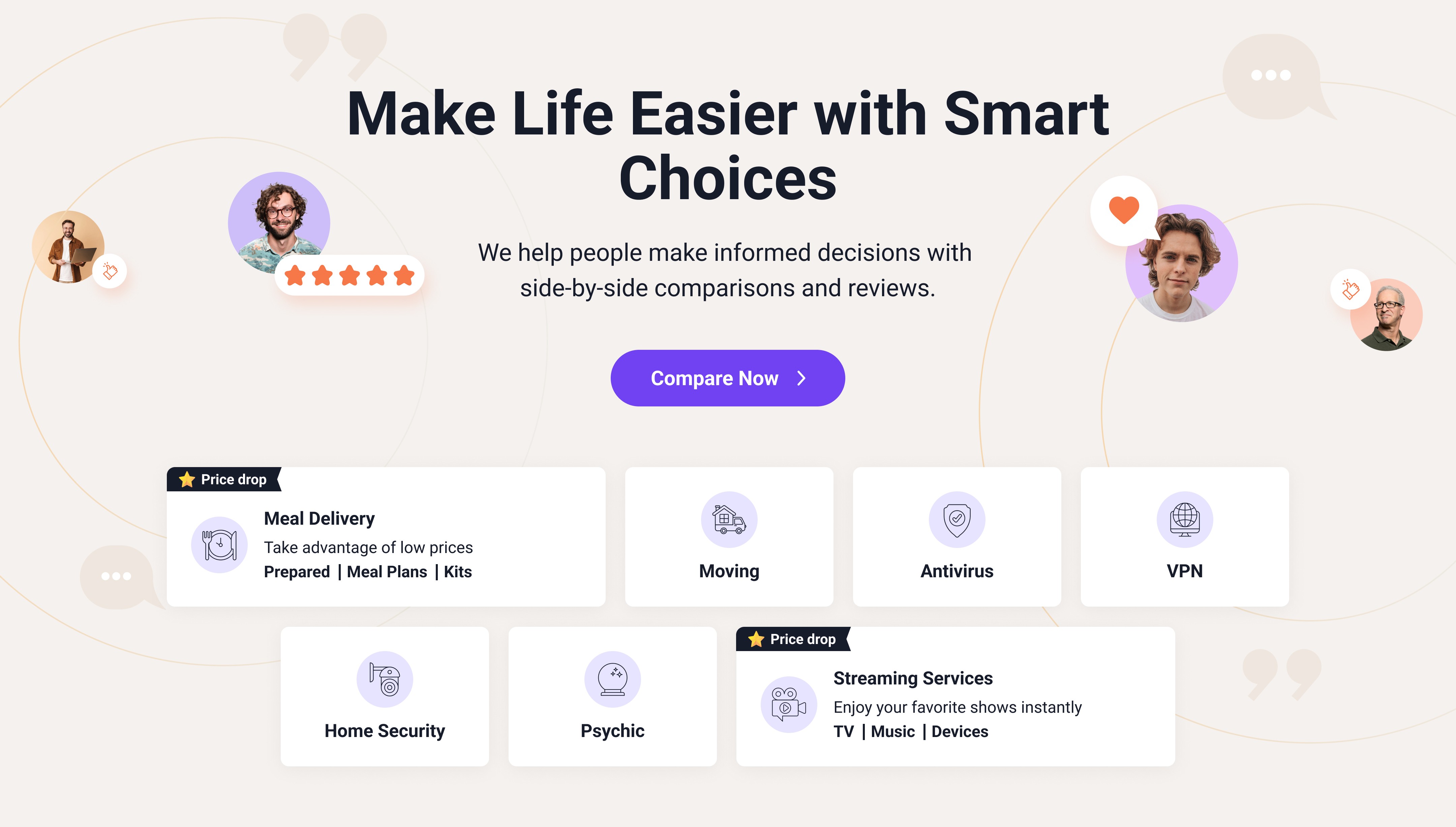
After development, I also created an alternative UI design with different colors and images, which I attached to the CMS to test which style works better for our users.

A/B Test Results

Sample Size

Variant A (purple bg) - 18 732

Variant B (beige bg) - 18 396

Test Durations

57 days

Detection Sensitivity

Medium

Significant Winner Variant A

+0.6%

Average Session

-0.4%

Bounce Rate

+0.9%

Outbounds/Clicks

+0.9%

Leads/Clicks

+0.6%

Average Session

-0.4%

Bounce Rate

+0.9%

Outbounds/Clicks

+0.9%

Leads/Clicks

A/B Test Results

Test Durations

57 days

Sample Size

Variant A (purple bg) - 18 732

Variant B (beige bg) - 18 396

Detection Sensitivity

Medium

Significant Winner Variant A

+0.6%

Average Session

-0.4%

Bounce Rate

+0.9%

Outbounds/Clicks

+0.9%

Leads/Clicks

BONUS • BONUS • BONUS • BONUS • BONUS • BONUS • BONUS • BONUS • BONUS • BONUS • BONUS • BONUS • BONUS •BONUS • BONUS • BONUS

With the portal initially hosting seven categories and anticipating continuous growth, I suggested considering an integration of a sticky chatbot in the future to streamline user interaction as the categories list expands.

Create a free website with Framer, the website builder loved by startups, designers and agencies.